
Table of Contents
- Introduction
- Why Businesses Move from Zoho to Business Central
- Zoho vs Business Central - High-Level Overview
- Key Modules in Business Central
- Major Migration Considerations
- Benefits of Moving to Business Central
- Que 1: Who Should Consider Migration?
- Conclusion
- Related Services and Industry Playbooks
- Que 2: Ready to Upgrade from Zoho to Business Central?
Introduction
As businesses grow, their operational complexity increases. While Zoho works well for startups and small teams, many growing organizations eventually require a more integrated and scalable ERP solution. What starts as a simple accounting or CRM setup often expands into the need for advanced reporting, multi-location management, and deeper financial control.
This is where Microsoft Dynamics 365 Business Central comes into the picture. It is a comprehensive, cloud-based ERP solution designed to unify finance, operations, sales, and supply chain management within a single platform.
In this blog, we cover:
- Why businesses move from Zoho to Business Central
- Key differences between the two platforms
- Major migration considerations
- Benefits of upgrading to Business Central
Key Takeaways
- Zoho fits early-stage teams, while Business Central supports long-term scale.
- Business Central unifies finance, operations, and inventory in one ERP system.
- Migration success depends on planning across data, integrations, and user adoption.
Why Businesses Move from Zoho to Business Central
Need for a Complete ERP
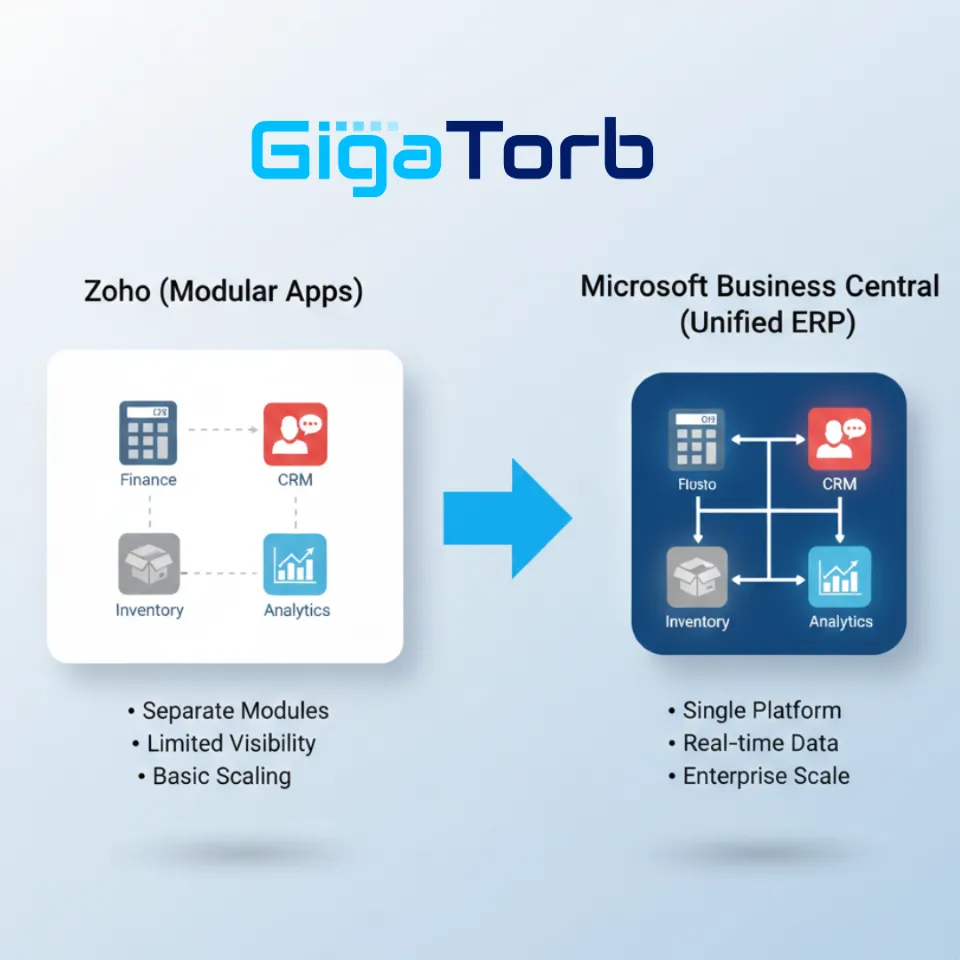
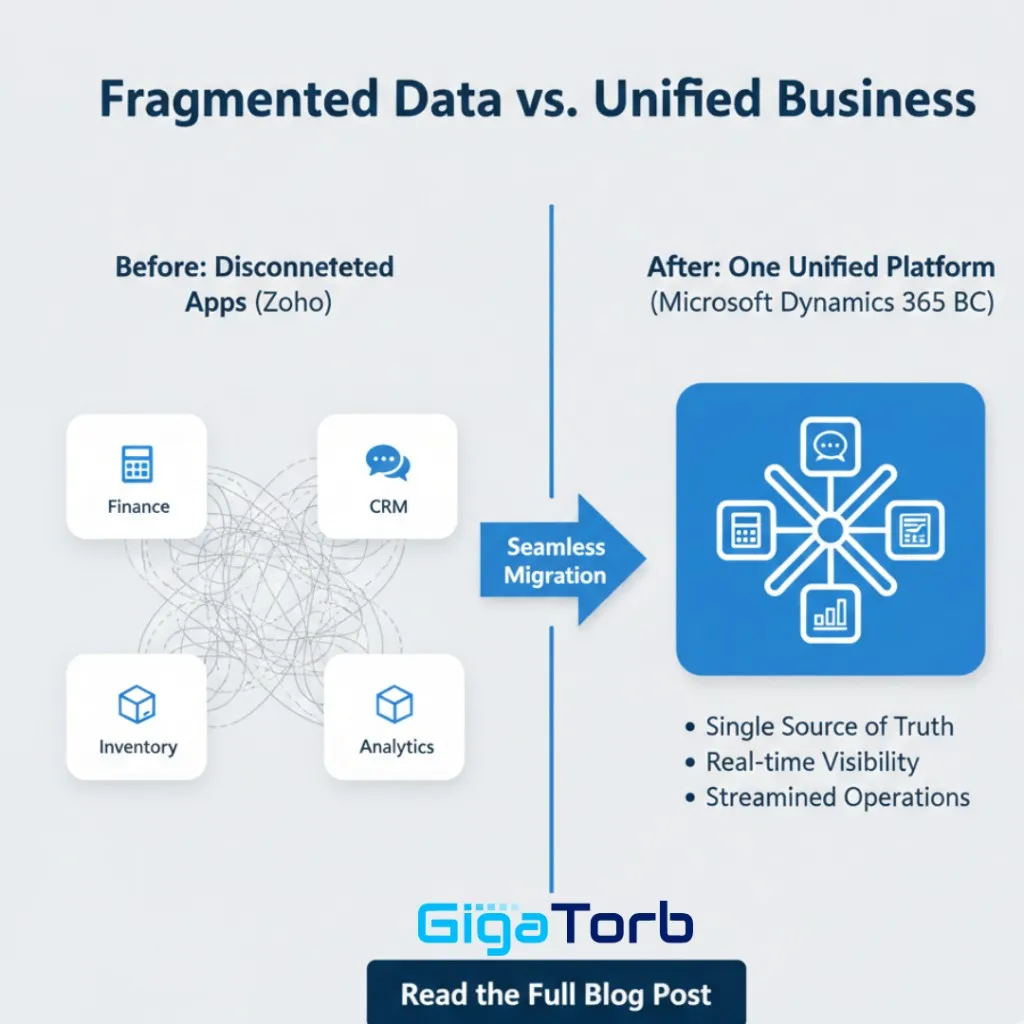
Zoho offers multiple applications such as Zoho Books, Zoho CRM, and Zoho Inventory. While these applications are useful individually, they often function as separate modules. As a result, businesses may experience data silos and limited real-time visibility across departments.
Business Central, on the other hand, provides a fully unified ERP platform. Finance, sales, purchasing, and inventory operate within a single integrated system. This ensures real-time data visibility, improved decision-making, and streamlined operations across the organization.
Scalability and Growth Challenges
Zoho is ideal for startups and small businesses with straightforward processes. However, as companies expand, their needs evolve. Growing organizations typically require advanced financial controls, multi-entity management, complex inventory handling, warehousing capabilities, and even manufacturing support.
Business Central is designed to handle this growth. It supports multi-company and multi-location operations, advanced reporting capabilities, and compliance with global standards. This makes it a suitable choice for medium to large enterprises planning long-term expansion.
Advanced Financial Management
Zoho provides standard accounting features that work well for basic bookkeeping and financial tracking. However, businesses that require deeper financial insights often need more advanced capabilities.
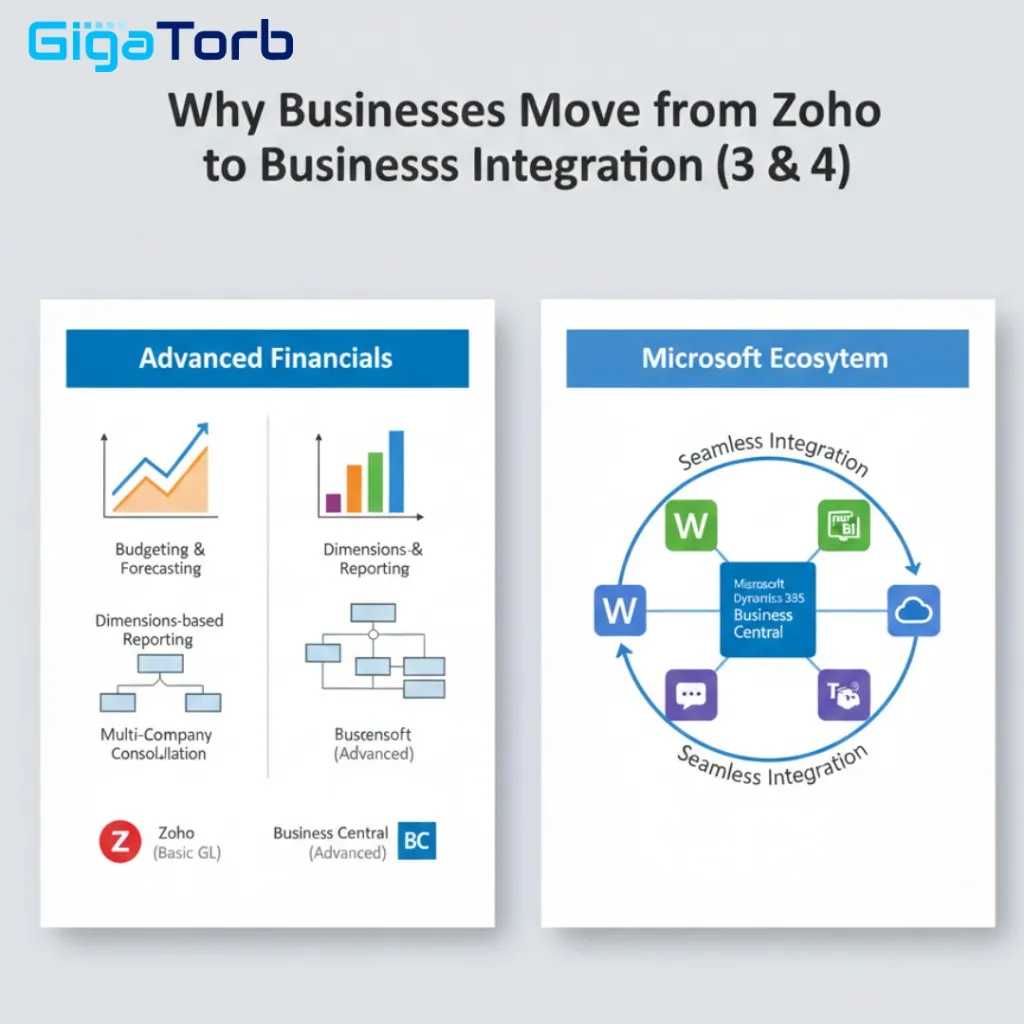
Business Central offers a powerful General Ledger, dimensions-based reporting for detailed financial analysis, fixed asset management, budgeting and forecasting tools, and consolidation for multiple companies. These features enable finance teams to gain better control, accuracy, and strategic visibility.
Strong Microsoft Ecosystem Integration
One of the most significant advantages of Business Central is its seamless integration with the broader Microsoft ecosystem. It works smoothly with Microsoft 365, Power BI, Microsoft Teams, and Microsoft Azure.
This integration creates a connected digital workplace where users can analyze data in Power BI, collaborate in Teams, manage emails in Outlook, and securely host data in Azure. The result is improved productivity and stronger data-driven decision-making.
Zoho vs Business Central - High-Level Overview
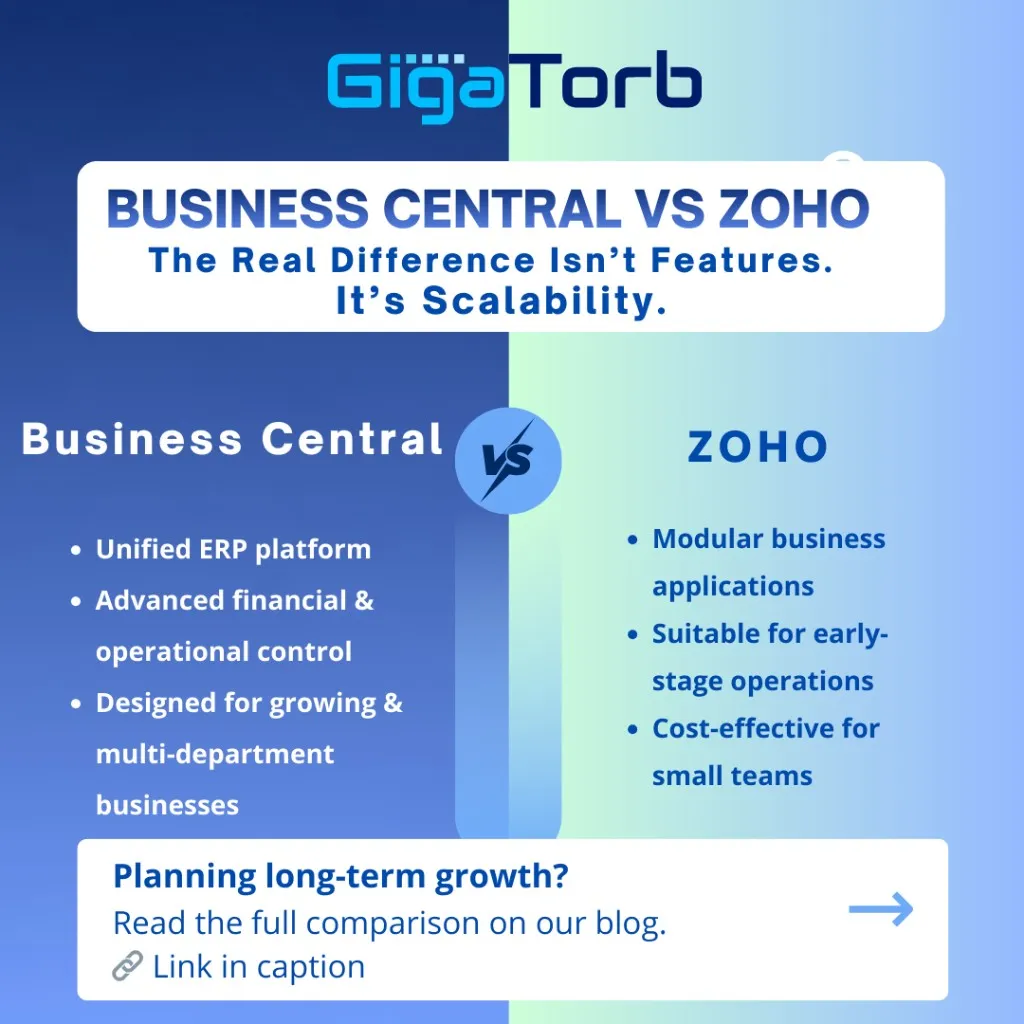
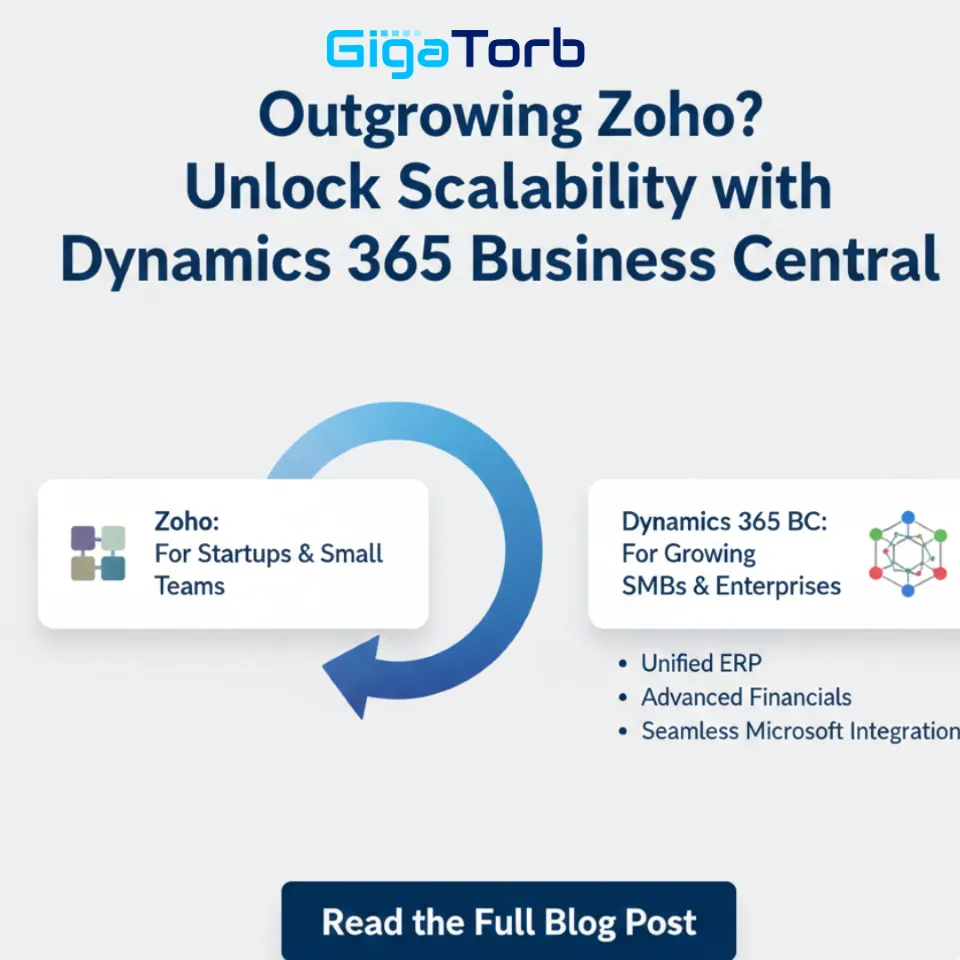
Zoho operates as a collection of modular applications, while Business Central delivers a fully integrated ERP system. Here is a concise comparison:
- Architecture: Modular apps vs unified ERP platform.
- Financial controls: Basic to moderate in Zoho vs enterprise-grade in Business Central.
- Manufacturing: Limited in Zoho vs complete manufacturing module in Business Central.
- Multi-company management: Restricted in Zoho vs robust in Business Central.
- Reporting: Standard in Zoho vs advanced analytics with Power BI in Business Central.
- Scalability: Zoho primarily supports SMBs; Business Central scales for medium to large enterprises.
Key Modules in Business Central
Business Central brings together multiple business functions into one platform:
- Finance and accounting
- Sales and CRM
- Purchasing
- Inventory and warehouse management
- Manufacturing
- Service management
- Project management
Having all these modules within a single system ensures data consistency, operational efficiency, and better collaboration between departments.
Major Migration Considerations
Migrating from Zoho to Business Central requires careful planning. Focus on these areas:
- Data migration: Transfer customers, vendors, chart of accounts, open invoices, and inventory data accurately into the new system.
- Customization: Plan workflow automation, approval hierarchies, and custom reports tailored to your operations.
- Integrations: Map payment gateways, e-commerce platforms, banking connections, and other third-party systems early.
- Training and change management: Ensure employees understand the new system and align processes with Business Central capabilities.
- Implementation partner: Working with an experienced partner significantly improves the transition experience.
Benefits of Moving to Business Central
- Centralized ERP system with real-time financial visibility.
- Stronger compliance and audit controls.
- Secure cloud-based environment.
- Scalable architecture for long-term growth.
- Seamless integration with Microsoft tools.
Que 1: Who Should Consider Migration?
Strong candidates for migration include organizations that:
- Are outgrowing Zoho for finance, inventory, or operations
- Require advanced reporting and analytics
- Need manufacturing or deeper supply chain capabilities
- Operate across multiple locations or entities
- Demand enterprise-level financial control and audit readiness
- Are planning rapid expansion or digital transformation initiatives
These teams typically benefit from a more robust ERP foundation.
Conclusion
Zoho is an excellent starting platform for small businesses. However, as organizations expand, operational requirements become more complex and demand a more powerful solution.
Microsoft Dynamics 365 Business Central provides a future-ready ERP platform that supports growth, scalability, and digital transformation. If your business is scaling and requires a unified, enterprise-grade system, migrating from Zoho to Business Central could be the right strategic move.
Related Services and Industry Playbooks
- Business Central implementation services for structured migration and phased rollout.
- Business Central for Construction for job costing, project budgets, and subcontractor controls.
- Business Central for Nonprofit organizations for fund accounting and grant reporting.
Que 2: Ready to Upgrade from Zoho to Business Central?
If your business is outgrowing Zoho and you are looking for a scalable, secure, and fully integrated ERP solution, now is the right time to make the move.
At Gigatorb Software Pvt Ltd, we help organizations seamlessly migrate to Microsoft Dynamics 365 Business Central with a structured implementation approach, expert guidance, and ongoing support. From data migration to customization and user training, we ensure a smooth transition with minimal disruption to your operations.
Book a Free Consultation today and let our Business Central experts assess your current setup and design a tailored ERP roadmap for your growth.
Contact us now to start your digital transformation journey.
Ready to Transform Your ERP?
Connect with Gigatorb Software Pvt Ltd for a free consultation.
Book a Free Consultation