

Table of Contents
- Introduction
- 1. Enhanced Financial Management and Analytics
- 2. Modernized Supply Chain & Inventory Management
- 3. Streamlined Manufacturing Capabilities
- 4. Improved User Experience and Automation
- 5. Stronger Microsoft Ecosystem Integration
- Why These Updates Matter for Your Business
- Implementation Example: From Manual Reporting to Real-Time Insights
- Recommended Adoption Roadmap for New Capabilities
- Common Upgrade Mistakes to Avoid
- Frequently Asked Questions
- How Gigatorb Software Pvt Ltd Can Help
- Related Services and Industry Playbooks
- Que 1: Ready to Unlock the New Capabilities of Business Central?
Introduction
As businesses evolve, so do the tools they rely on. Microsoft continuously enhances Dynamics 365 Business Central, making it an even more robust and comprehensive ERP solution for growing organizations. From advanced analytics and automation to deeper integrations and cloud-first innovations, the latest updates empower businesses to operate smarter, faster, and more efficiently.
In this blog, we will explore the new capabilities in Business Central, why they matter, and how your organization can leverage them to stay ahead of the curve.
Key Highlights
- Smarter financial insights with Power BI and intelligent reporting.
- Faster operations through supply chain and warehouse improvements.
- Better productivity using automation, AI suggestions, and mobile accessibility.
- Stronger integration with Teams, Outlook, and Azure services.
1. Enhanced Financial Management and Analytics
The latest version of Business Central offers significant upgrades in financial management:
- Intelligent Reporting & Power BI Integration: Financial insights are now more dynamic than ever. With real-time dashboards, predictive analytics, and custom KPIs in Power BI, decision-makers can act faster and more confidently.
- Advanced Budgeting & Forecasting: Plan for the future with scenario-based budgets and rolling forecasts, providing a clearer view of cash flow and resource allocation.
- Automated Bank Reconciliation: Reduced manual effort and faster closing cycles through automated matching of transactions, improving accuracy and efficiency.

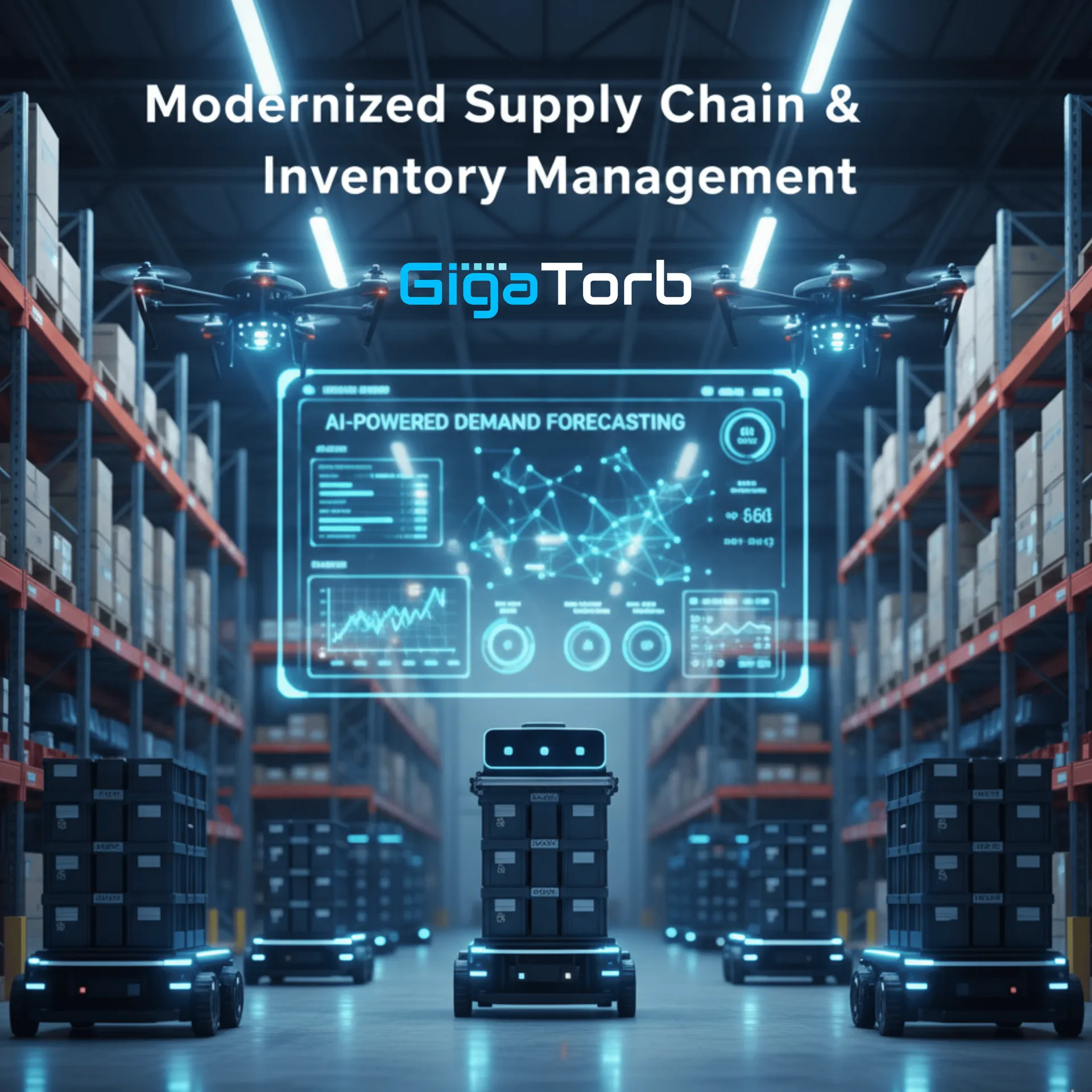
2. Modernized Supply Chain & Inventory Management
Business Central now includes smarter tools to manage inventory, warehousing, and procurement:
- AI-Powered Demand Forecasting: Predict stock needs more accurately and reduce overstock or stockouts using AI-driven insights.
- Warehouse Management Enhancements: Streamlined processes for receiving, picking, packing, and shipping, with improved mobile support.
- Vendor & Purchase Insights: Track supplier performance and optimize purchasing strategies with actionable dashboards.
3. Streamlined Manufacturing Capabilities
For businesses in manufacturing, the latest updates offer deeper functionality:
- Production Planning & Scheduling: Advanced scheduling tools help reduce downtime, optimize resource use, and improve order fulfillment.
- Lot & Serial Tracking: Gain complete visibility of products across production, inventory, and sales to ensure compliance and quality control.
- Integration with IoT Devices: Monitor machinery and production lines in real-time to enable predictive maintenance and reduce operational risks.
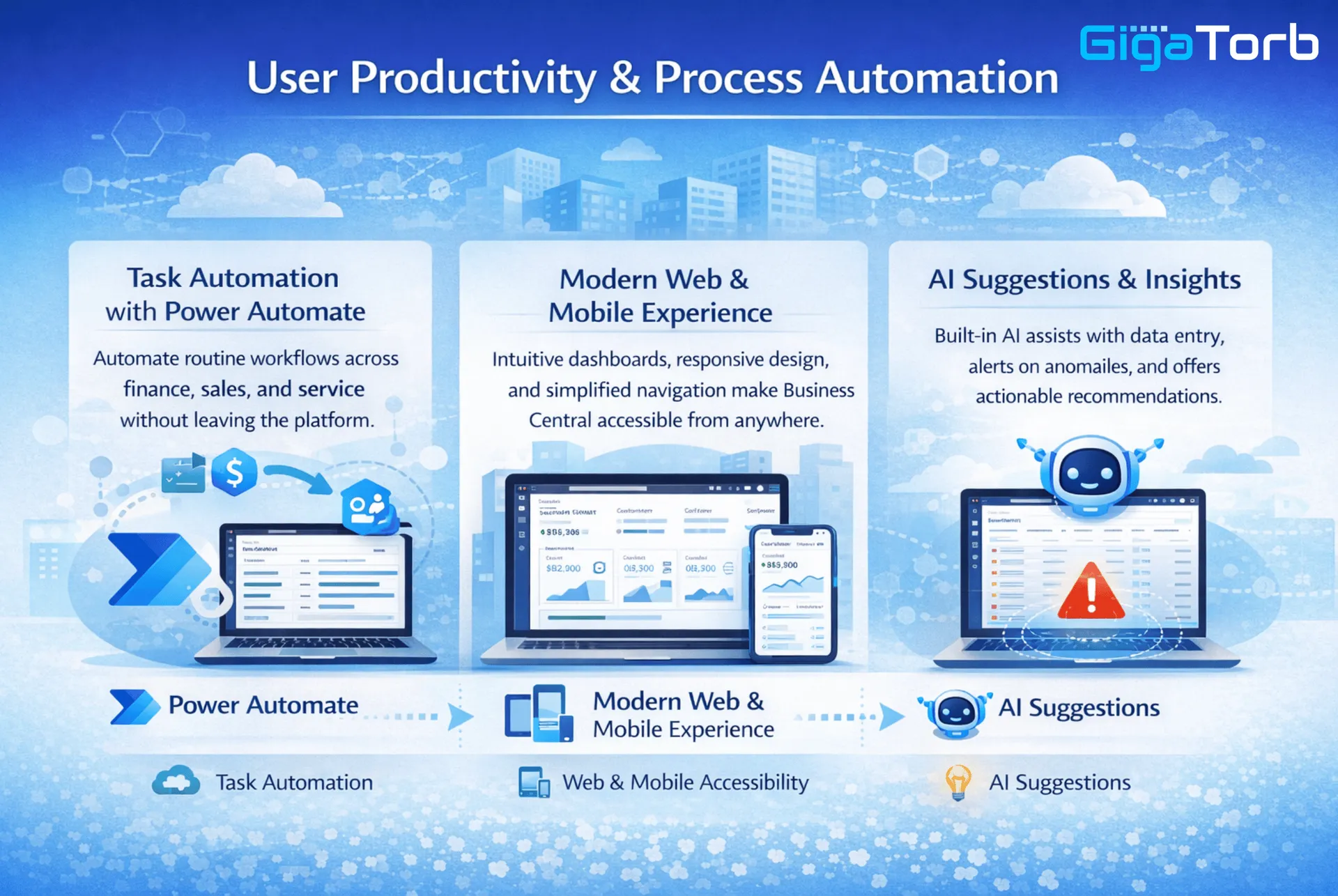
4. Improved User Experience and Automation
User productivity and process automation have received significant attention:
- Task Automation with Power Automate: Automate routine workflows across finance, sales, and service without leaving the platform.
- Modern Web & Mobile Experience: Intuitive dashboards, responsive design, and simplified navigation make Business Central accessible from anywhere.
- AI Suggestions & Insights: Built-in AI assists with data entry, alerts on anomalies, and offers actionable recommendations.
5. Stronger Microsoft Ecosystem Integration
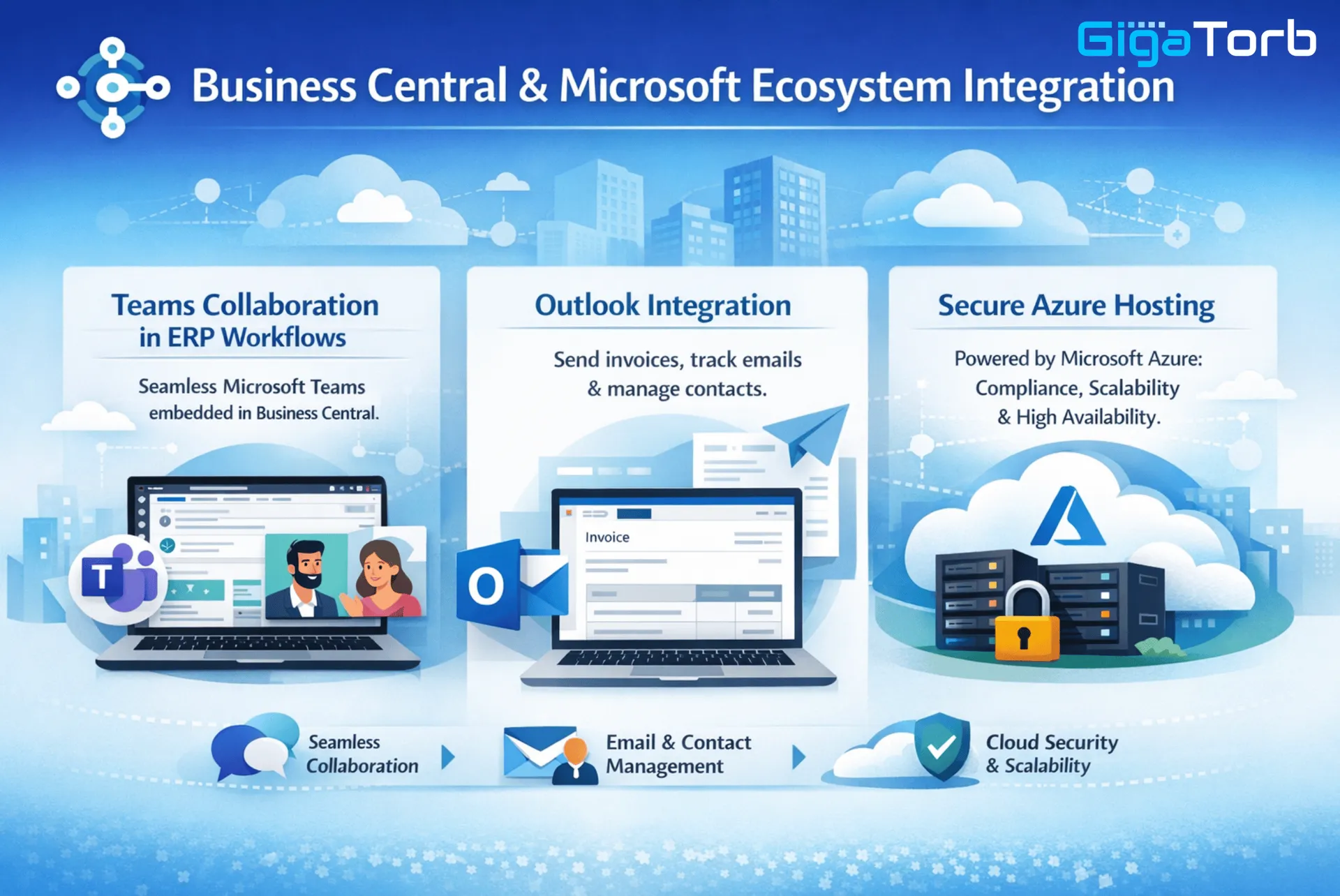
Business Central continues to deepen its integration with Microsoft's ecosystem:
- Seamless Microsoft Teams collaboration embedded in ERP workflows.
- Native Outlook integration for sending invoices, tracking emails, and managing contacts.
- Secure cloud hosting on Microsoft Azure, ensuring compliance, scalability, and high availability.
Why These Updates Matter for Your Business
The new features in Business Central translate directly into tangible benefits:
- Real-Time Decision-Making: Access to live data across departments enhances strategic planning.
- Operational Efficiency: Automated processes reduce manual work, errors, and delays.
- Scalability for Growth: As your business expands, Business Central adapts to support multi-entity, multi-location operations.
- Future-Ready ERP: AI-driven insights and cloud-first enhancements ensure your business remains competitive in a rapidly changing digital landscape.
Implementation Example: From Manual Reporting to Real-Time Insights
Consider a growing distribution company running accounting in one system, inventory in another, and sales reporting through spreadsheets. Every month-end cycle requires days of manual consolidation, and management receives delayed visibility into cash flow, receivables, and product movement. This setup not only slows decisions but also increases risk when teams act on incomplete information.
After adopting the latest Business Central capabilities, the same company can connect finance, inventory, and sales data in a unified model. Power BI dashboards provide near real-time visibility to leadership, while automated reconciliation and workflow approvals reduce administrative effort. Managers no longer depend on static reports and can respond quickly to margin pressure, stock issues, and customer demand changes.
This example reflects a common pattern in ERP modernization: organizations do not need more data, they need cleaner processes and faster access to trusted insights. Business Central's recent updates are valuable because they improve daily execution, not just system features.
Recommended Adoption Roadmap for New Capabilities
- Phase 1: Process baseline and data quality — Audit core processes across finance, purchasing, inventory, and sales. Identify where manual effort, duplicate entries, and reporting delays occur most often. Validate master data quality so item, customer, vendor, and chart-of-account structures support accurate analytics.
- Phase 2: Priority capability rollout — Roll out high-impact capabilities first, such as financial dashboards, automated bank reconciliation, and demand planning. Quick wins improve team confidence and demonstrate business value early.
- Phase 3: Advanced automation and integration — When baseline workflows are stable, extend automation through Power Automate and strengthen integrations with Teams, Outlook, and other systems. Focus on reducing handoffs, accelerating approvals, and improving cross-functional collaboration.
- Phase 4: Continuous optimization — ERP modernization is not a one-time event. Establish governance to monitor KPI trends, review user adoption, and prioritize enhancement opportunities every quarter so the platform stays aligned with growth and market change.
Common Upgrade Mistakes to Avoid
- Upgrading technology without process redesign: New features produce the best results when workflows are simplified and standardized.
- Skipping user enablement: Teams need role-based training and clear documentation to adopt new capabilities confidently.
- Treating analytics as an afterthought: Dashboard and KPI definitions should be planned early, not after go-live.
- Over-customizing too quickly: Start with standard platform strengths, then add targeted extensions based on measurable needs.
Frequently Asked Questions
- Which update should businesses prioritize first? Most organizations start with financial visibility and workflow automation because these areas create immediate operational and decision-making impact.
- Can small and mid-sized businesses benefit from these capabilities? Yes. The latest features are especially useful for growing businesses that need enterprise-grade control without heavy on-premise complexity.
- How long does capability rollout usually take? Timelines vary by scope, but focused rollouts can begin delivering value in a few weeks when data quality and process ownership are clear.
- Do we need Power Platform to use these improvements? Business Central delivers strong native capabilities, but combining it with Power BI and Power Automate usually improves reporting speed and automation coverage.
How Gigatorb Software Pvt Ltd Can Help
At Gigatorb Software Pvt Ltd, we specialize in helping organizations leverage the latest Dynamics 365 Business Central capabilities. From implementation and customization to training and ongoing support, we ensure your business fully harnesses the platform's potential.
Whether you are upgrading from an older ERP system, migrating from Zoho, or exploring Business Central for the first time, our experts provide a tailored roadmap to align the ERP with your unique business needs.
Related Services and Industry Playbooks
- Business Central implementation services for rollout planning, governance, and optimization.
- Power Platform automation and analytics to accelerate reporting and workflow outcomes.
- Business Central for Retail & e-commerce to improve inventory accuracy and replenishment discipline.
Que 1: Ready to Unlock the New Capabilities of Business Central?
Stay ahead in your industry with a modern, integrated ERP platform. Connect with Gigatorb Software Pvt Ltd today for a free consultation, and let our team guide your business to smarter processes, better insights, and seamless growth.
Contact us now to start your journey with the latest Business Central capabilities and elevate your operations to the next level.
Ready to Transform Your ERP?
Connect with Gigatorb Software Pvt Ltd for a free consultation.
Book a Free Consultation