
Table of Contents
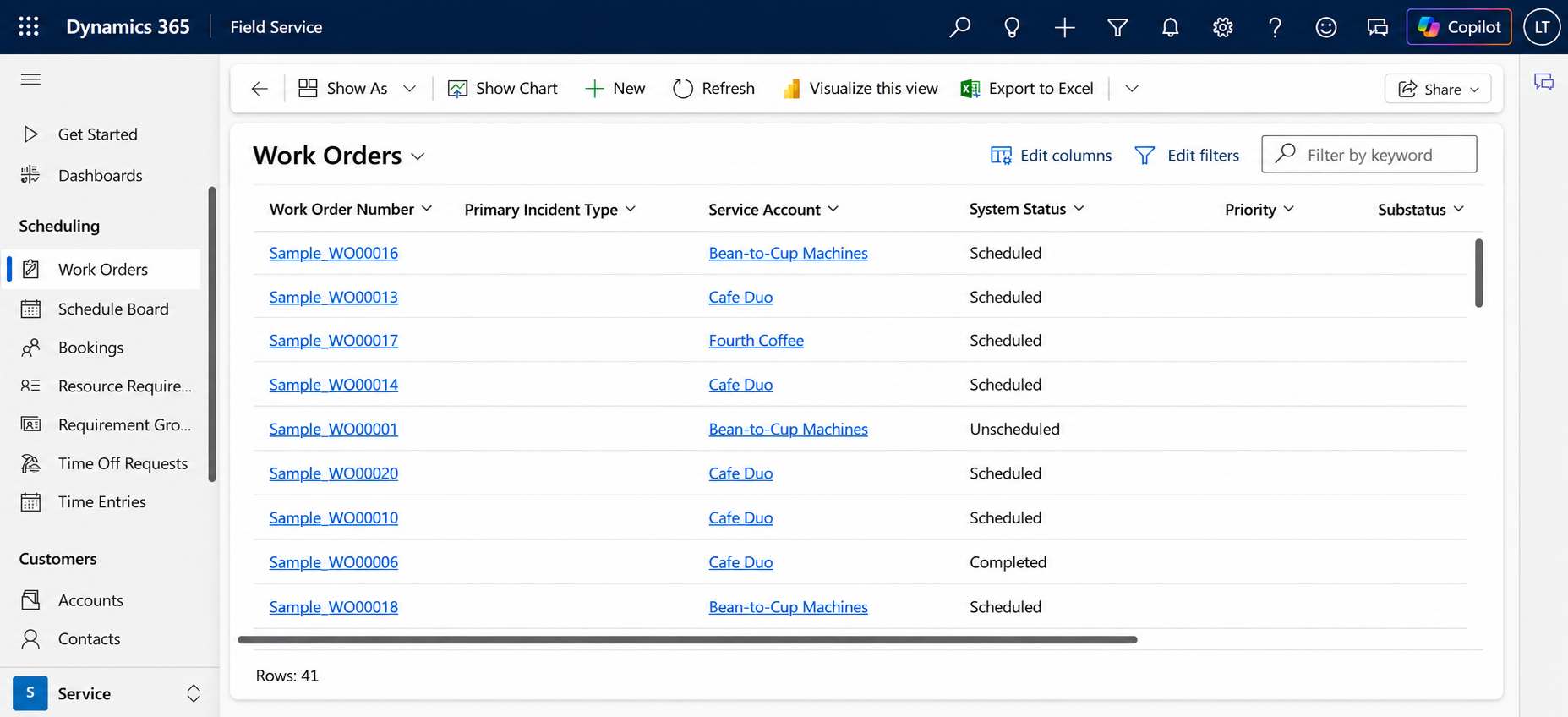
Field service organizations are under constant pressure to complete more work with limited resources. Technicians need the right information, dispatchers need to manage changing schedules, and managers need visibility into work orders, assets, and service performance.
Dynamics 365 Field Service is evolving from a traditional work-order and scheduling application into a more intelligent operational platform. Microsoft’s 2026 updates focus heavily on technician productivity, AI, resource scheduling, work-order management, and connected operations.
From Reactive Service to Connected Operations
Traditional field service often depends on manual coordination. A service request comes in, a dispatcher identifies an available technician, the technician receives the work order, and the organization waits for the job to be completed.
As service volumes increase, this process becomes difficult to manage.
Dynamics 365 Field Service provides a structured environment for managing work orders, resources, schedules, assets, and frontline operations. The 2026 direction focuses on connecting these capabilities so organizations can manage service delivery more efficiently.
Instead of simply recording what happened, Field Service can become part of the operational process that determines what should happen next.
Smarter Scheduling
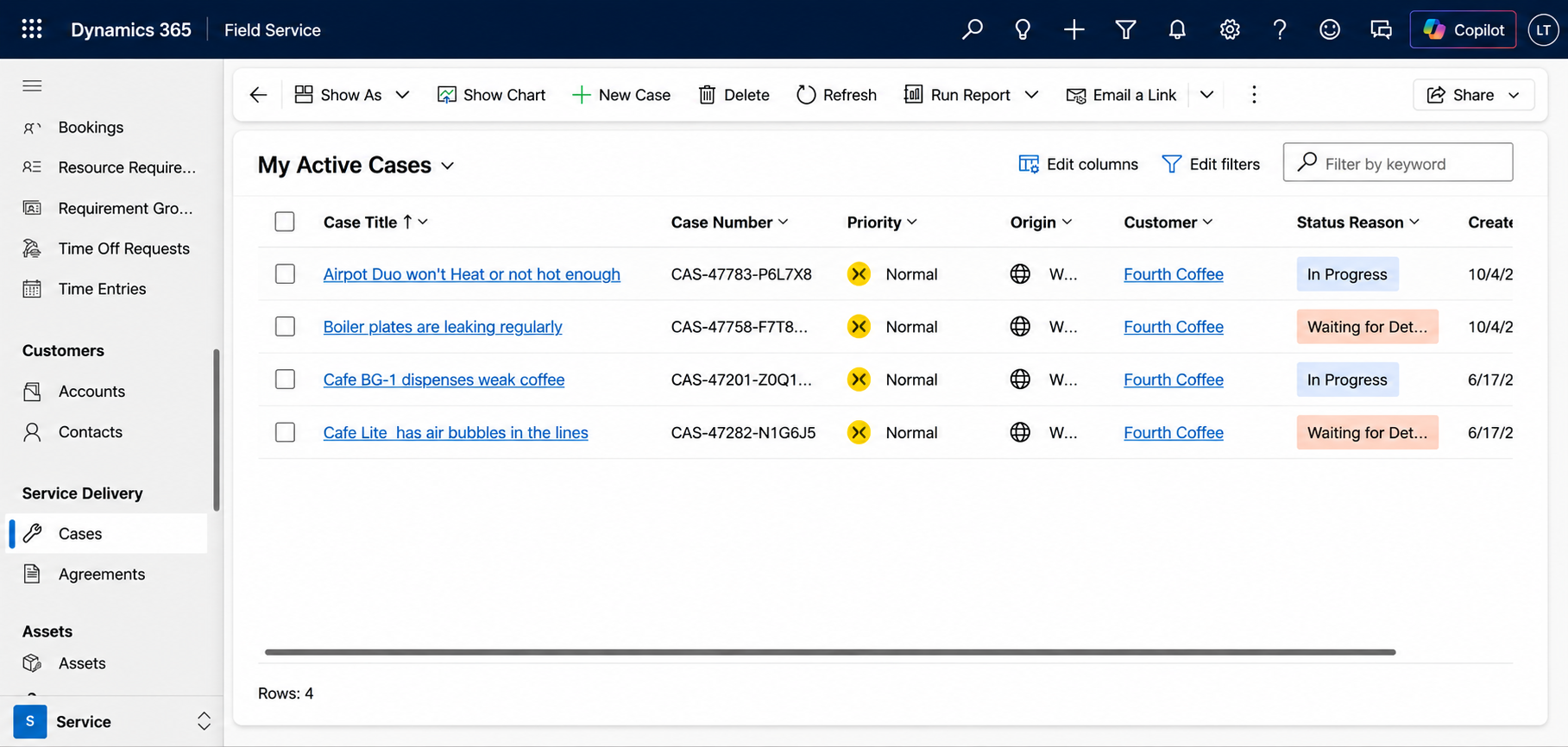
Scheduling is one of the most important parts of field service.
Dispatchers need to consider technician availability, skills, location, service requirements, priorities, and changing circumstances. Manual scheduling can become especially challenging when dozens or hundreds of bookings need to be coordinated.
Microsoft is continuing to expand the Scheduling Operations Agent, with new capabilities designed to automate and optimize scheduling scenarios. The roadmap includes optimization across multiple resources, helping organizations reduce manual scheduling effort and respond more effectively to changing demand.
This represents an important shift: scheduling can increasingly become an intelligent optimization problem rather than a purely manual activity.
AI Assistance for Technicians
Field technicians often work away from the office and need quick access to information.
Microsoft’s 2026 Field Service investments include Copilot capabilities designed to help both managers and frontline workers. Technicians can use AI assistance to find and update important information while staying within their workflow.
For example, instead of searching through multiple screens to understand an asset or work order, a technician could use an AI-assisted experience to retrieve relevant information more efficiently.
This can help technicians spend more time performing service work and less time navigating systems.
Connecting Field Service with the Back Office
Field service rarely operates independently.
A service job may require inventory, spare parts, project information, financial processing, or asset history. Microsoft’s 2026 Field Service investments include stronger connections across Field Service, Finance and Supply Chain Management, and Project Operations.
Microsoft has also introduced task-level integration between Field Service and Project Operations, allowing individual project tasks to be associated with work orders and enabling project dates to guide work-order scheduling.
This creates a more connected operational flow:
Project → Task → Work Order → Technician → Completion → Financial/Project Update
With this approach, field operations become part of a broader business process rather than a separate service activity.
Better Asset Context
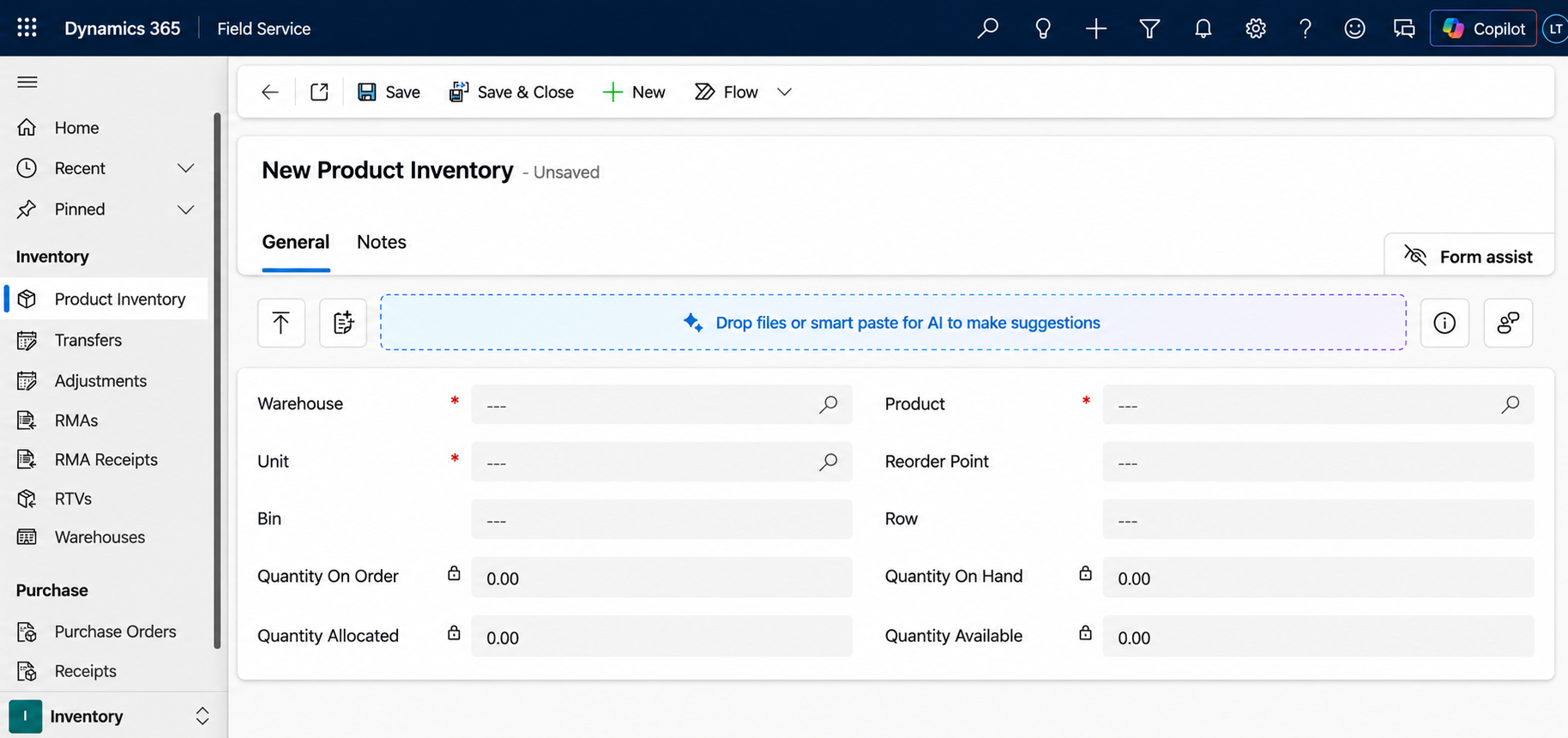
Service teams need more than a customer address. They need to understand the asset being serviced, its history, location, maintenance requirements, and previous work.
Field Service continues to invest in asset management, maintenance planning, and asset location capabilities. These capabilities help organizations build better context around the equipment and assets they maintain.
That context can support more proactive service strategies rather than waiting for every issue to become an emergency.
For example, organizations can use asset information and maintenance history to understand recurring problems, plan service activities, and give technicians better information before they arrive at a job.
The Future of Field Service
The direction of Dynamics 365 Field Service is clear: AI, automation, intelligent scheduling, mobile productivity, and connected back-office processes are becoming increasingly important.
The goal isn’t simply to digitize a paper-based work order. It is to create a connected service operation where the right resource, information, asset data, and business process come together at the right time.
For organizations considering Dynamics 365 Field Service, the opportunity is to build an operational model that connects dispatchers, technicians, assets, inventory, projects, finance, and management in one ecosystem.
At Gigatorb, we help organizations build and extend Microsoft business solutions using Dynamics 365, Power Platform, Dataverse, automation, and custom applications.
Explore Gigatorb and FieldServe360
FieldServe360 demonstrates how Microsoft Power Platform can be used to connect sales, service requests, work orders, technicians, warranty/AMC processes, and management visibility in a unified field-service solution. Read more in our FieldServe360 overview.
Ready to Transform Your ERP?
Connect with Gigatorb Software Pvt Ltd for a free consultation.
Book a Free Consultation