
.webp)
Table of Contents
- Introduction
- Why Performance Monitoring Matters in ERP Systems
- 1. Performance Profiler
- 2. Page Inspection Tool
- 3. Event Recorder
- 4. Snapshot Debugger
- 5. Job Queue Monitoring
- 6. Telemetry with Azure Application Insights
- 7. Best Practices for Maintaining Business Central Performance
- Why These Tools Matter for Growing Businesses
- How Gigatorb Software Pvt Ltd Can Help
- Related Services and Industry Playbooks
- Que 1: Ready to Optimize Your Business Central Performance?
- Conclusion
Introduction
As organizations increasingly rely on ERP platforms to manage finance, operations, inventory, and supply chains, system performance becomes a critical factor for business success. A slow ERP system can delay operations, frustrate employees, and ultimately affect decision-making.
Microsoft Dynamics 365 Business Central is designed as a modern cloud-based ERP platform, but like any enterprise system, its performance can be affected by multiple factors such as custom extensions, inefficient AL code, heavy database queries, or high transaction volumes.
To address these challenges, Business Central provides powerful built-in diagnostic and monitoring tools that allow developers, administrators, and consultants to analyze system behavior and optimize performance.
These tools help organizations to:
- Identify performance bottlenecks quickly
- Improve page response time
- Optimize custom extensions
- Maintain a stable ERP environment
- Deliver a smooth user experience across departments
Why Performance Monitoring Matters in ERP Systems
ERP systems process thousands of transactions every day, from financial postings and inventory movements to sales orders and vendor payments. As the system grows and new customizations are introduced, maintaining optimal performance becomes increasingly important.
Without proper monitoring, organizations may face:
- Slow page loading and delayed posting processes
- System errors caused by extensions
- High resource usage
- Reduced productivity across teams
Performance monitoring tools in Business Central allow companies to analyze system behavior in real time and resolve issues before they impact operations. This enables organizations to move from reactive troubleshooting to proactive performance optimization.
1. Performance Profiler
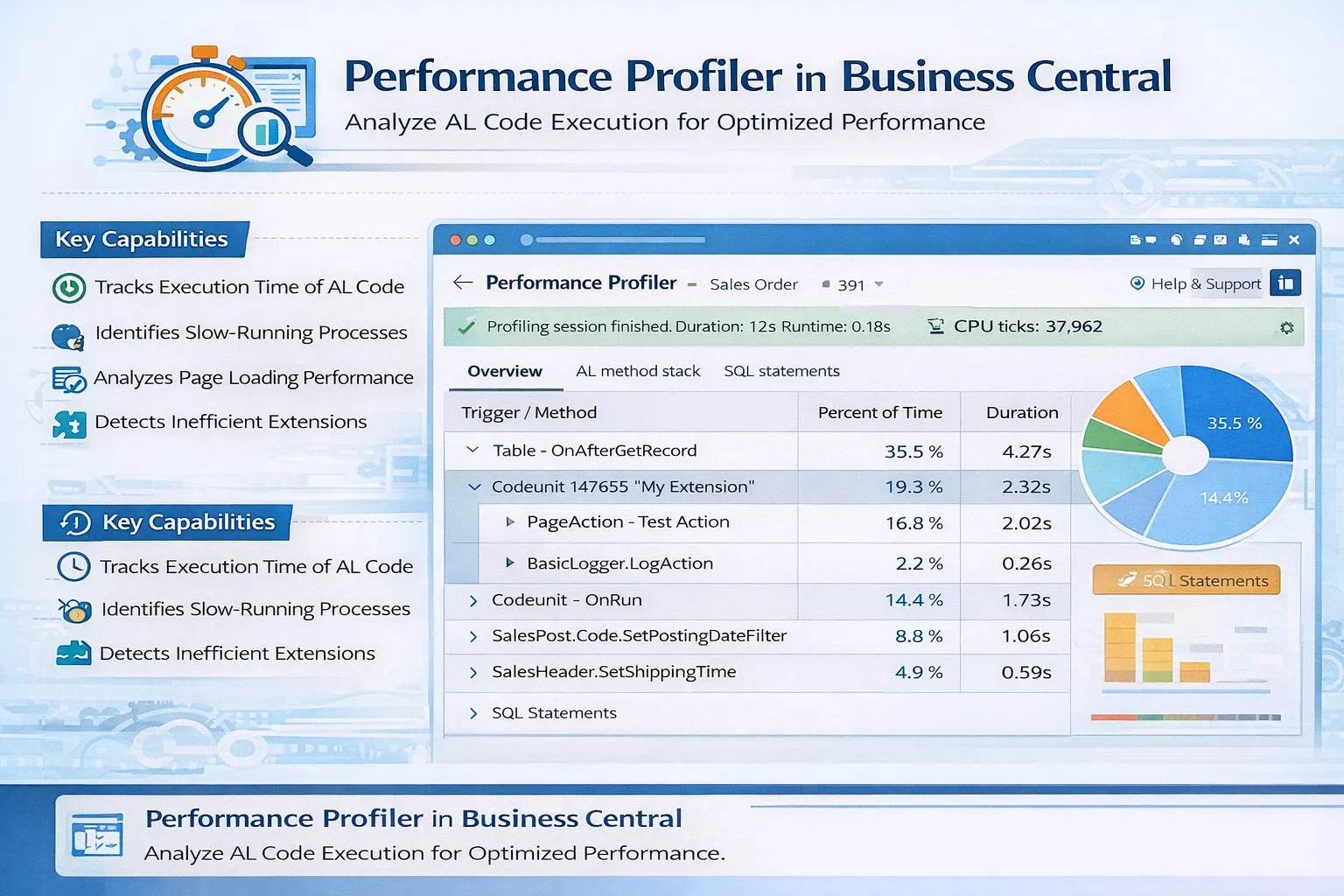
The Performance Profiler is one of the most valuable tools for analyzing how Business Central processes perform. It records execution times of different operations and helps developers understand which components of the system are consuming the most resources.
Key Capabilities
- Tracks execution time of AL code.
- Identifies slow-running processes.
- Analyzes page loading performance.
- Detects inefficient extensions.
Practical Example
Imagine users report that the Sales Order page takes several seconds to load. Using the Performance Profiler, developers can identify which AL triggers or database queries are causing delays and optimize those components for faster response.
2. Page Inspection Tool
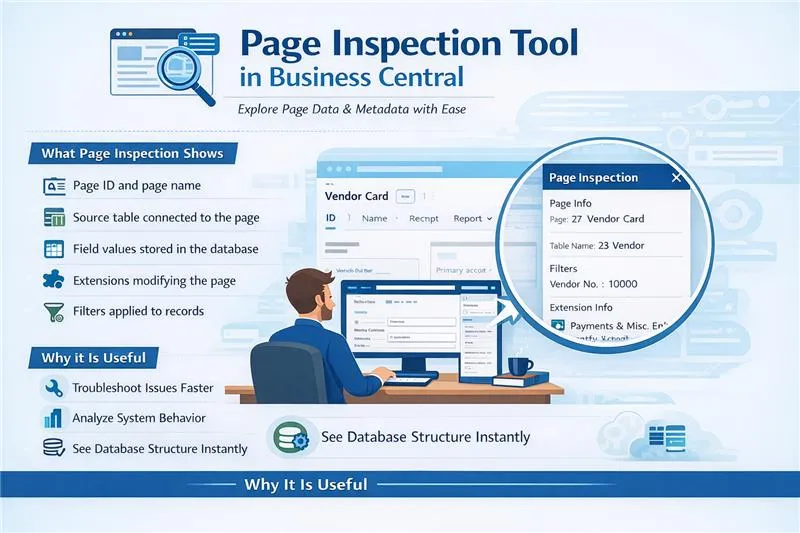
The Page Inspection tool is widely used by consultants, administrators, and developers to understand the structure of a Business Central page. It provides a detailed view of the underlying data and metadata associated with the page.
What Page Inspection Shows
- Page ID and page name.
- Source table connected to the page.
- Field values stored in the database.
- Extensions modifying the page.
- Filters applied to records.
This tool is extremely useful when troubleshooting issues or understanding how data is structured.
3. Event Recorder
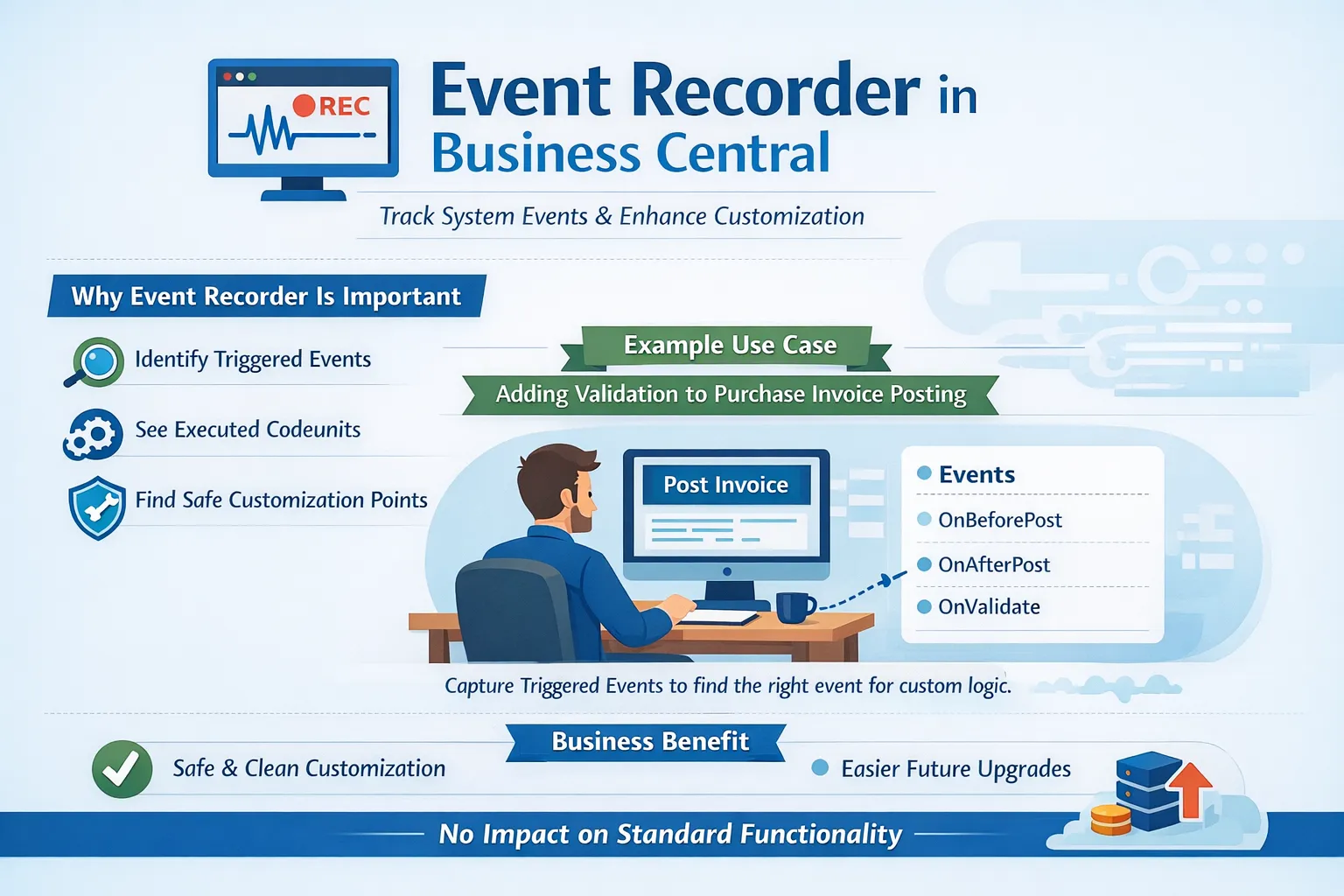
The Event Recorder is an important development tool used when customizing Business Central functionality. It records all system events triggered when a user performs an action within the application.
Developers Use Event Recorder To
- Identify triggered events.
- Understand executed codeunits.
- Find safe customization points.
If a developer wants to add validation during purchase invoice posting, Event Recorder helps identify the correct event to subscribe to.
4. Snapshot Debugger
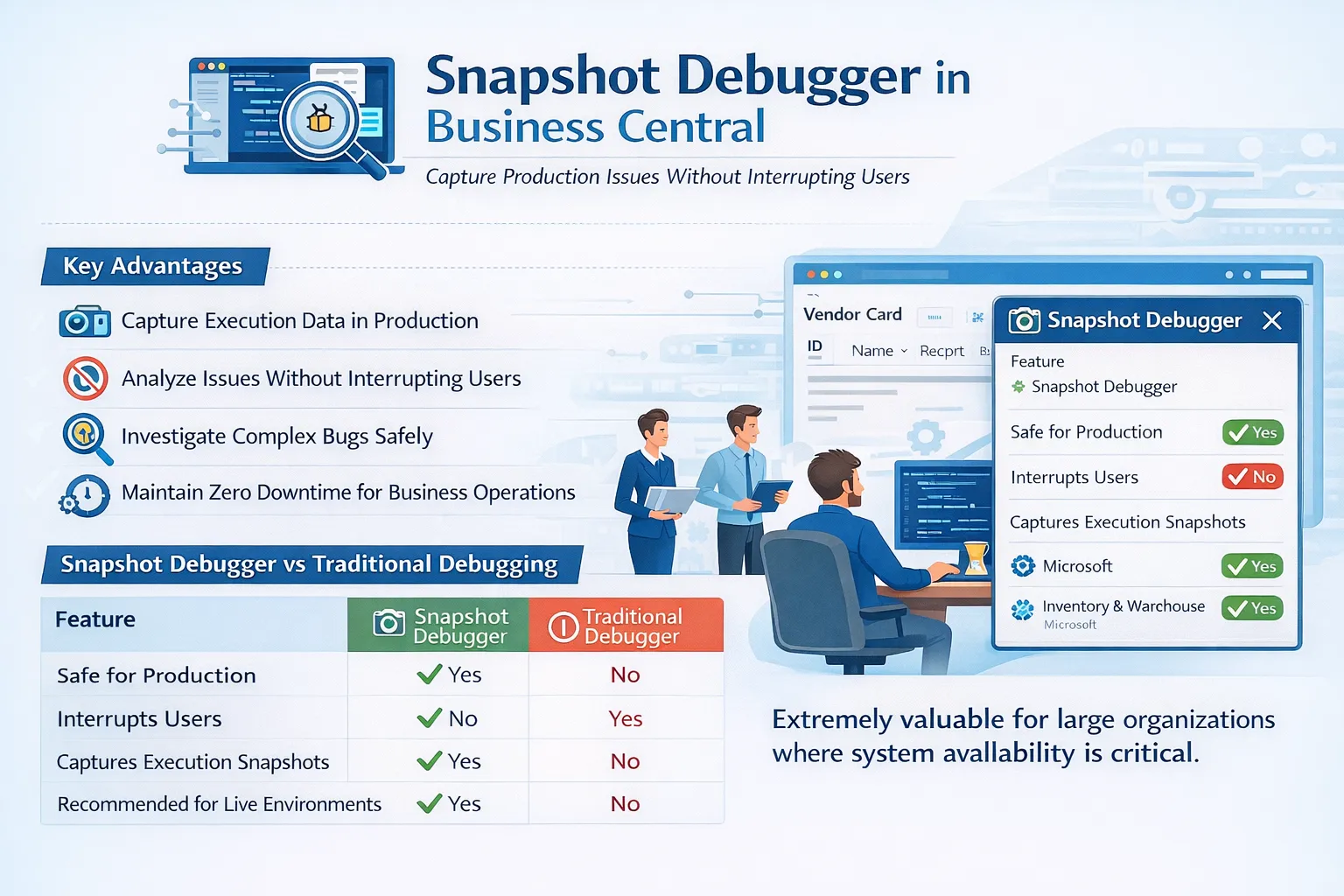
The Snapshot Debugger allows developers to capture execution data in production environments without interrupting users. This makes it extremely valuable for large organizations where uptime is critical.
Advantages
- Safe for production.
- Does not interrupt users.
- Captures execution snapshots.
- Helps analyze complex bugs.
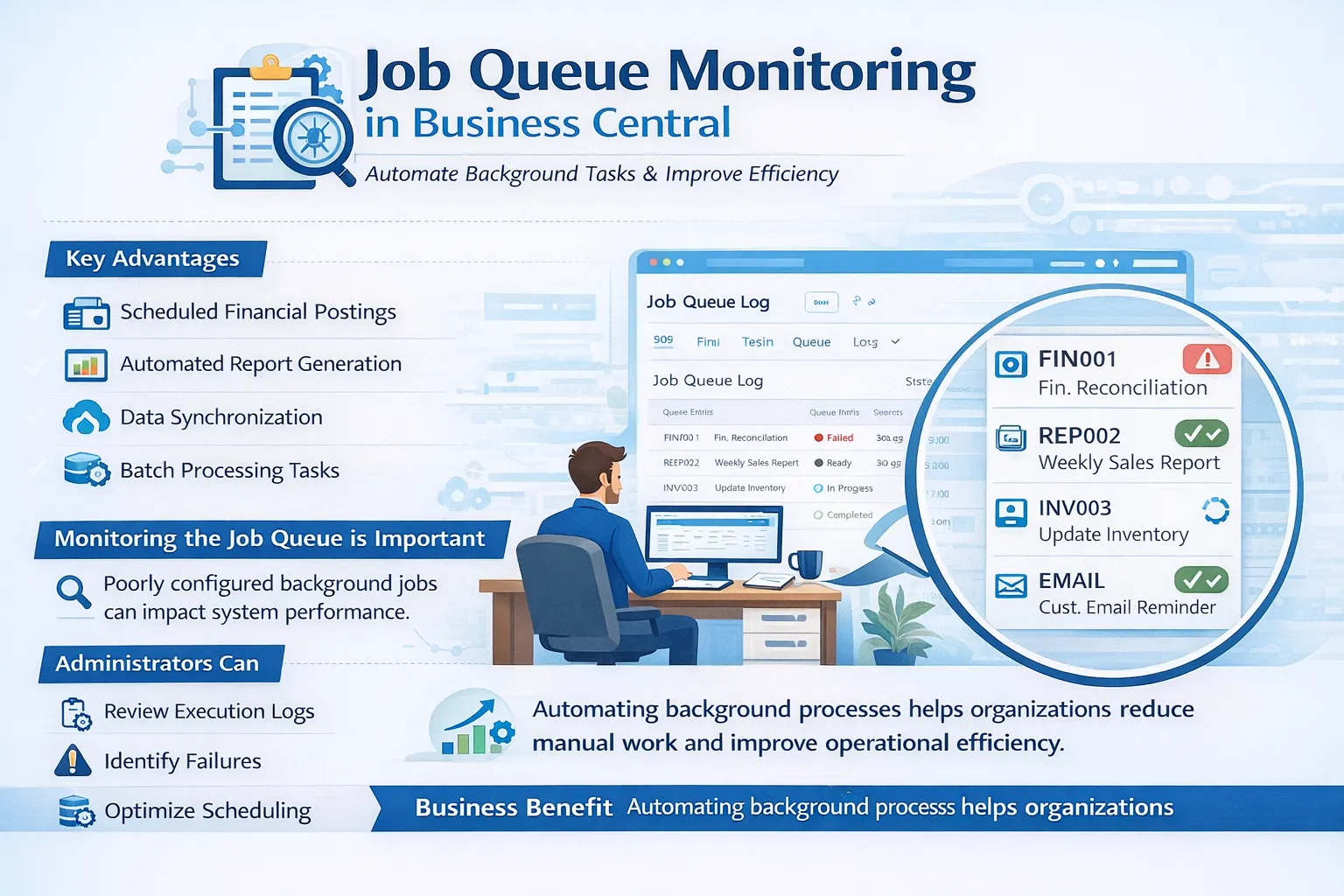
5. Job Queue Monitoring
Business Central includes a Job Queue system that allows organizations to automate tasks and run processes in the background. Monitoring these jobs is essential because poorly configured background tasks can impact system performance.
Typical Job Queue Tasks
- Scheduled financial postings.
- Automated report generation.
- Data synchronization.
- Batch processing tasks.
Administrators should review job execution logs regularly to identify failures and optimize scheduling.
6. Telemetry with Azure Application Insights
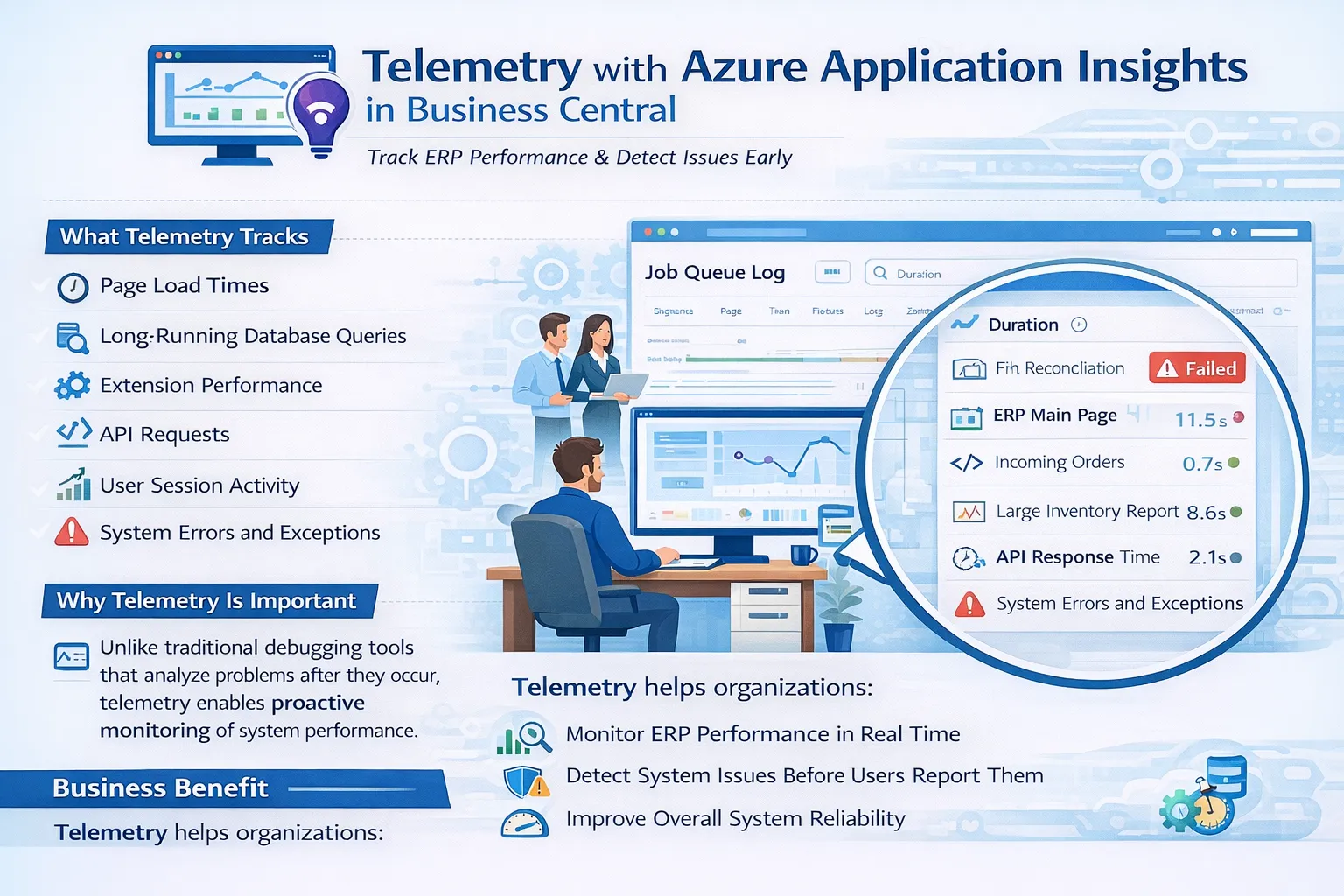
Telemetry integration with Azure Application Insights enables advanced monitoring of Business Central environments. Unlike reactive debugging, telemetry helps teams detect issues early and improve reliability proactively.
Telemetry Tracks
- Page load times.
- Long-running database queries.
- Extension performance.
- API requests.
- User session activity.
- System errors and exceptions.
7. Best Practices for Maintaining Business Central Performance
To maintain a high-performing ERP environment, organizations should apply performance best practices consistently across development and operations.
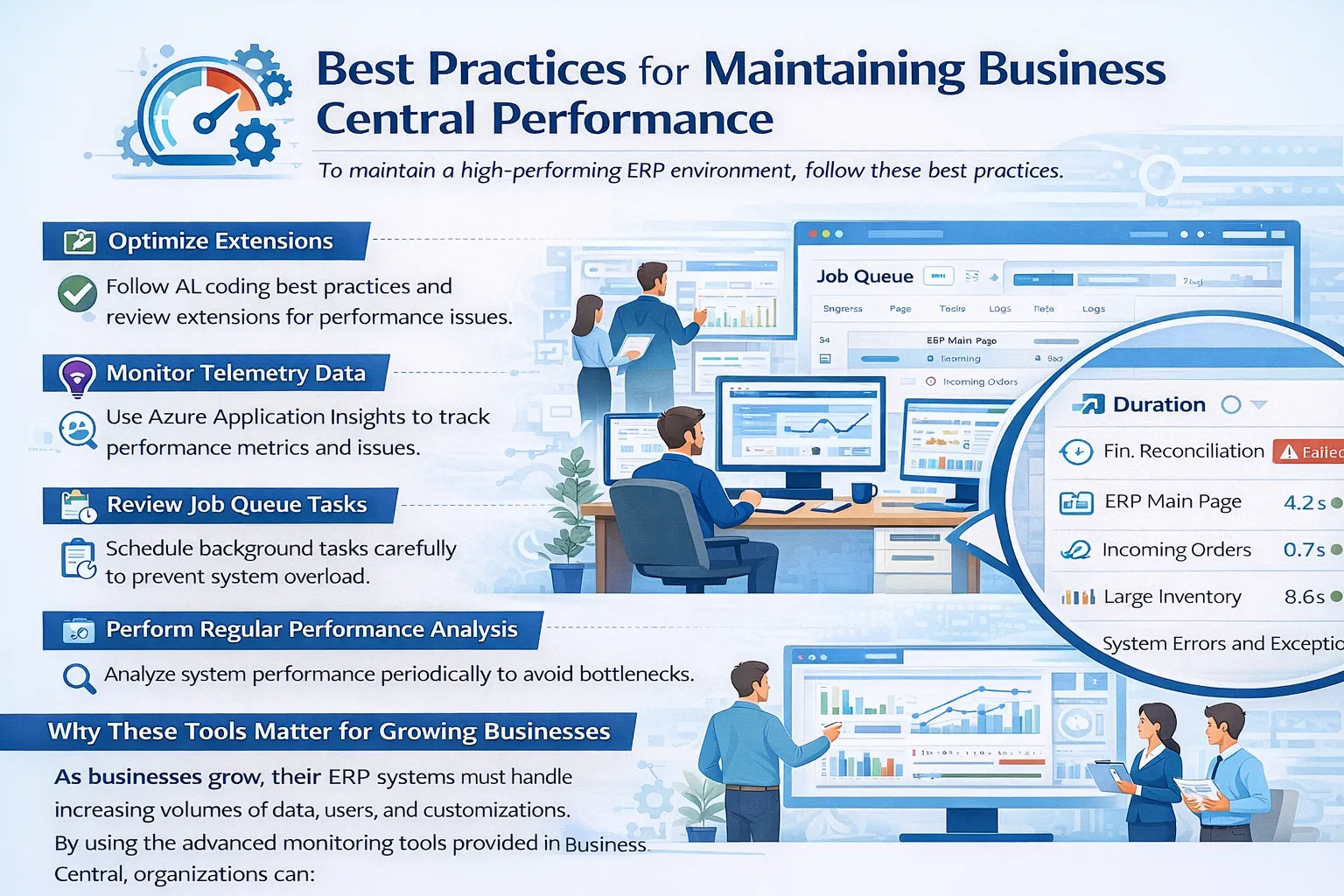
Best Practices
- Optimize Extensions: Follow AL coding best practices and regularly review extension performance.
- Monitor Telemetry Data: Use Azure Application Insights dashboards to monitor system health.
- Review Job Queue Tasks: Schedule background tasks carefully to prevent system overload.
- Perform Regular Performance Analysis: Analyze system performance periodically to detect bottlenecks early.
Why These Tools Matter for Growing Businesses
As businesses grow, their ERP systems must handle increasing volumes of data, users, and customizations. Without proper monitoring, performance issues can quickly impact daily operations.
By using the advanced monitoring tools in Business Central, organizations can:
- Maintain high system performance
- Reduce operational disruptions
- Improve employee productivity
- Support long-term digital transformation
How Gigatorb Software Pvt Ltd Can Help
At Gigatorb Software Pvt Ltd, we help organizations optimize and maintain Microsoft Dynamics 365 Business Central. Our experts provide:
- Implementation and upgrades
- Performance analysis and tuning
- Telemetry setup (including Azure Application Insights)
- Extension customization
- Ongoing ERP support
With deep expertise in Business Central architecture, we ensure your ERP platform remains secure, scalable, and high-performing.
Related Services and Industry Playbooks
- Business Central implementation services with performance governance and upgrade planning.
- Business Central for Construction where job costing controls and performance discipline matter.
- Book a free consultation to review telemetry setup and monitoring strategy.
Que 1: Ready to Optimize Your Business Central Performance?
Connect with Gigatorb Software Pvt Ltd to ensure your ERP platform remains scalable, secure, and high-performing. Our team can help you establish a structured performance monitoring framework tailored to your operations.
Conclusion
Microsoft Dynamics 365 Business Central provides powerful diagnostic tools, including:
- Performance Profiler
- Page Inspection
- Event Recorder
- Snapshot Debugger
- Job Queue monitoring
- Azure Application Insights telemetry
By leveraging these tools effectively, organizations can identify performance bottlenecks, optimize customizations, and deliver a seamless ERP experience. As businesses scale and digitize operations, these capabilities help keep Business Central fast, reliable, and future-ready.
Ready to Transform Your ERP?
Connect with Gigatorb Software Pvt Ltd for a free consultation.
Book a Free Consultation