
Table of Contents
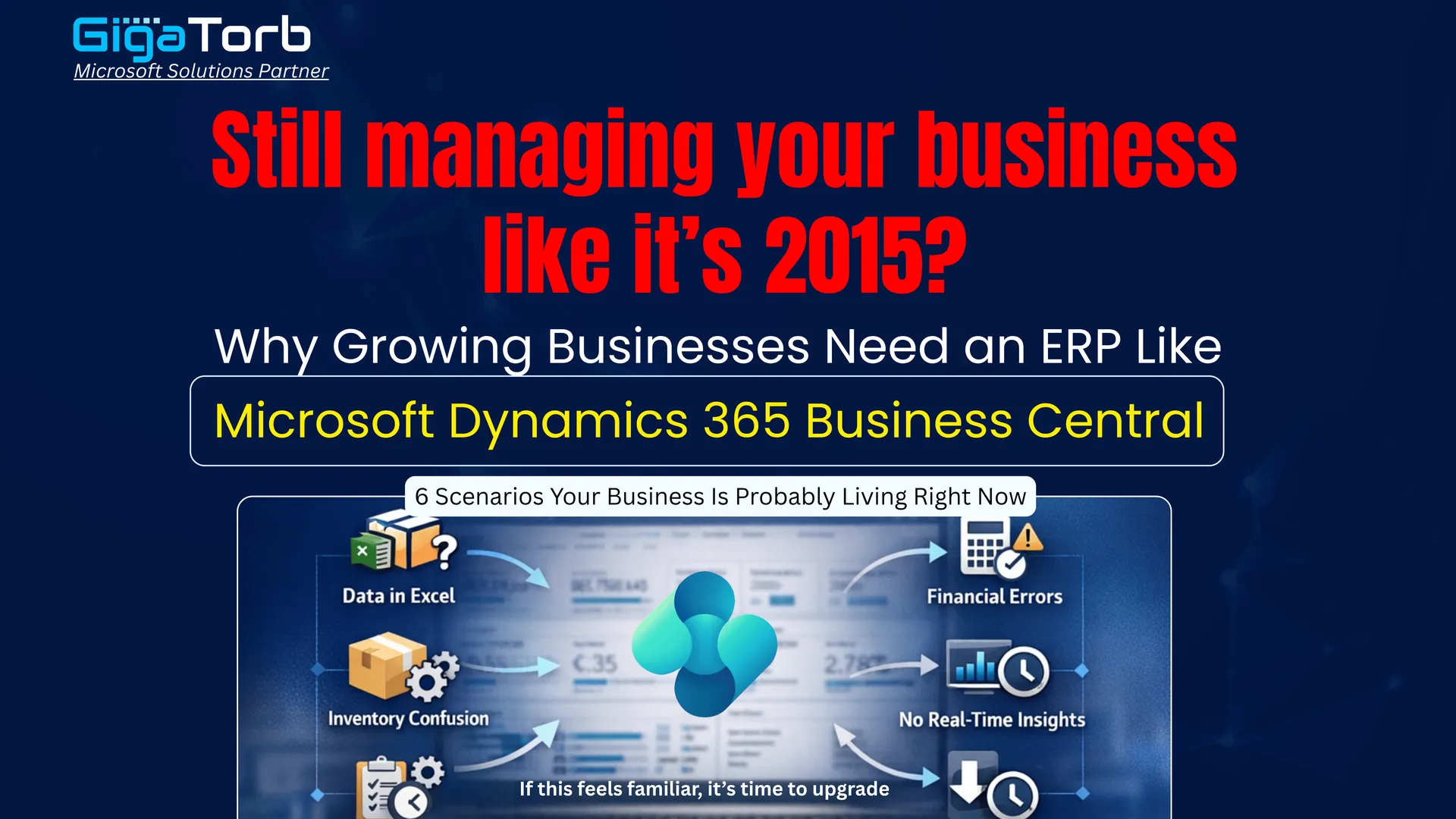
Why Growing Businesses Need an ERP Like Microsoft Dynamics 365 Business Central
6 scenarios your business is probably living right now.
Most growing businesses do not have a software problem. They have a coordination problem — people working hard, in separate systems, with no shared view of what is actually happening.
The cracks show up in small ways at first. A sales rep does not know a customer has an overdue invoice. A manager approves a budget without seeing the cash position. Two teams maintain the same data in two places — and both versions are slightly wrong.
Below are six of those cracks. And what Business Central does about each one.
By the Numbers: The Cost of Disconnected Systems
Before diving into the scenarios, consider what fragmented operations actually cost businesses every year:
| Metric | Impact |
|---|---|
| Manual data re-entry | Up to 30% of staff time lost to duplicate data tasks |
| Reporting delays | Average 3-5 days to produce cross-department reports |
| Audit preparation | Weeks of scrambling vs. hours with an integrated ERP |
| Customer churn (ops-driven) | ~23% of B2B churn linked to inconsistent service responses |
| ERP ROI (typical) | Businesses report 15-25% efficiency gains within 12 months |
6 Real Business Problems Solved by Business Central
Scenario 1: Decisions Are Made on Yesterday's Data
A regional manager calls a Monday morning meeting to review last week's performance. The operations report was pulled on Friday. The sales numbers are from Thursday's export. The finance summary is from a monthly snapshot. Nobody in the room is looking at the same time period — and nobody realizes it until the numbers do not add up.
Impact: Slow decisions, missed opportunities, and strategy built on stale ground.
With Microsoft Dynamics 365 Business Central: Business Central runs on a live operational database. Every transaction — a sale, a shipment, a payment — updates instantly across the entire system. Managers pull dashboards in real time, not from scheduled exports. What happened this morning is visible this morning. Decisions are made on current reality, not last week's snapshot.
Key capabilities that make this possible:
- Live Power BI dashboards embedded directly in Business Central
- Role-tailored home pages showing KPIs relevant to each team member
- Real-time inventory, cash flow, and sales figures — no scheduled batch runs
- Mobile access so field managers get the same live view as the head office
Scenario 2: The Same Work Gets Done Twice in Two Systems
Your sales team logs a new customer in the CRM. Then someone in finance manually creates the same customer in the accounting system. The warehouse sets them up in the inventory tool. Three entries. Three chances for a typo. When the customer's address changes, someone updates one system — and forgets the other two. Invoices go to the old address. Deliveries get returned.
Impact: Wasted staff hours, data inconsistency, and avoidable errors compounding over time.
With Microsoft Dynamics 365 Business Central: In Business Central, a customer is created once. That record flows automatically into sales, finance, purchasing, and logistics. One update propagates everywhere. There is no re-entry, no parallel maintenance, no version conflict. Your team stops being data administrators and starts doing actual work.
Real-world example: A mid-sized distribution company reduced their order processing time by 40% after eliminating duplicate data entry between their CRM, ERP, and warehouse management systems — all unified under Business Central.
Scenario 3: Customers Feel the Cost of Your Internal Chaos
A long-standing client calls to ask about their order. The sales rep checks the CRM — it shows dispatched. The warehouse system shows it is still picking. The finance system has already issued an invoice. The customer is told three different things by three different people in one phone call. They do not complain about the software. They just quietly move their business elsewhere.
Impact: Customer trust eroded. Churn that looks like a sales problem but is actually an operational one.
With Microsoft Dynamics 365 Business Central: Business Central gives every customer-facing team — sales, finance, logistics — a unified view of each account. Open orders, delivery status, invoice history, credit terms, and service notes all sit in one place. When a customer calls, whoever picks up has the full picture. Responses are accurate, consistent, and fast.
What your team sees on a single customer screen:
- All open and historical orders with real-time fulfilment status
- Outstanding invoices, payment history, and credit limit exposure
- Delivery tracking and any logged service interactions
- Pricing tiers, discount agreements, and contract terms
- Communication history linked directly to the customer record
Scenario 4: Compliance and Audit Become a Crisis Every Year
Tax season arrives. Your finance team spends three weeks hunting down supporting documents — purchase approvals that were emailed, expense claims submitted on paper, journal entries with no audit note. The external auditor asks for a transaction trail. Your team produces a spreadsheet reconstruction. It does not match the bank statement. The audit extends by two weeks.
Impact: Regulatory exposure, audit costs, management distraction, and reputational risk with lenders and investors.
With Microsoft Dynamics 365 Business Central: Business Central maintains a complete, tamper-proof audit trail automatically. Every transaction is timestamped, user-attributed, and linked to its source document. VAT returns, tax filings, and statutory reports are generated directly from live data. Audit prep goes from weeks to hours.
Compliance coverage: Business Central supports VAT and GST reporting, multi-currency consolidation, GDPR data management, and localized statutory reporting across 40+ countries — built in, not bolted on.
Scenario 5: There Is No Single Source of Truth and Everyone Knows It
Ask the sales director what revenue looks like this month. Then ask the CFO. Then ask the operations lead. You will get three different numbers — not because anyone is wrong, but because each person is pulling from a different system, a different export date, or a different definition of revenue. Meetings start with 20 minutes of debating whose figures to use. Nobody fully trusts any report.
Impact: Analysis paralysis, slow decisions, and an organization that runs on politics instead of data.
With Microsoft Dynamics 365 Business Central: Business Central creates a single chart of accounts, a single customer master, and a single inventory record — shared across all departments. Every team works from the same numbers at the same moment. Reports stop being contested and start being acted on.
How Business Central eliminates data disputes:
- One unified general ledger — no reconciliation between systems
- Shared item and customer master data with role-based views
- Standardized report definitions that every team uses by default
- Drill-through from summary figures to underlying transactions in one click
Scenario 6: Every Time You Scale, the Processes Break
You hire 20 new people. Suddenly the informal processes that worked for a 15-person team fall apart. Nobody knows who approves what. Purchase orders get raised without budget checks. New staff onboard into a tangle of tools and tribal knowledge. The business is growing — but operationally, it is regressing.
Impact: Scaling creates cost and confusion instead of efficiency. Growth becomes painful instead of profitable.
With Microsoft Dynamics 365 Business Central: Business Central enforces structured workflows regardless of team size. Approval hierarchies, budget controls, procurement policies, and user permissions are configured once and applied consistently. New staff inherit clean, documented processes. As you add locations, entities, or product lines, the system scales with you without needing to be rebuilt.
Scalability built into the platform:
- Multi-company and multi-currency support — manage subsidiaries from one instance
- Configurable approval workflows for POs, expenses, and journal entries
- User permission sets that enforce role boundaries automatically
- Seamless integration with Microsoft 365, Teams, and the broader Azure ecosystem
- AppSource marketplace with hundreds of industry-specific extensions
The Pattern Across All Six Scenarios
None of these are isolated incidents. They are symptoms of the same underlying condition: operational data spread across disconnected systems, with no single point of truth and no shared view of what is actually happening.
Business Central resolves this not by adding features, but by removing fragmentation. One system. One database. Every team working from the same information, in real time.
What Changes After Implementation
- Managers make decisions on live data — not last week's export
- Staff stop maintaining the same record in multiple tools
- Customers get consistent, accurate answers from any team member
- Audit and compliance become routine — not a scramble
- Leadership trusts the numbers because everyone shares the same ones
- Growth adds capacity — not operational breakdown
Is Business Central the Right Fit
Business Central is purpose-built for small to mid-sized businesses with 10 to 500 employees — companies that have outgrown entry-level accounting tools but do not need the complexity (or cost) of an enterprise ERP like SAP or Oracle.
It is particularly well-suited for businesses in:
- Distribution and wholesale — inventory, purchasing, and logistics in one system
- Professional services — project management, time tracking, and billing integrated with finance
- Manufacturing — bills of materials, production orders, and capacity planning
- Retail — point of sale, stock replenishment, and customer management unified
- Construction and field service — job costing, subcontractor management, and site reporting
Licensing Note
Business Central is available as a cloud SaaS subscription (hosted on Microsoft Azure) or as an on-premises deployment. Most new customers choose the cloud model for faster implementation, automatic updates, and lower infrastructure overhead.
What Does Implementation Look Like
One of the most common misconceptions about ERP is that implementation takes years. With Business Central, most mid-market deployments follow a structured 8-16 week process:
Phase 1 - Discovery (Weeks 1-2)
Map existing processes, identify gaps, define requirements. Agree on chart of accounts, reporting structure, and user roles.
Phase 2 - Configuration (Weeks 3-7)
Set up core modules: finance, purchasing, sales, inventory. Configure workflows and approval hierarchies. Migrate master data and opening balances.
Phase 3 - Testing and Training (Weeks 8-12)
User acceptance testing with real scenarios. Role-based training sessions. Parallel running with existing systems where required.
Phase 4 - Go Live and Stabilization (Weeks 13-16)
Cutover to Business Central as the live system. Hypercare support from the implementation partner. Post-go-live optimization and additional training as needed.
Next Steps
If two or more of the six scenarios in this document sound familiar, it is worth having a structured conversation about whether Business Central is the right fit for your business.
A good starting point is a process review with a certified Microsoft partner — not a sales presentation, but a working session that maps your current gaps against what an integrated system would change.
Questions worth asking in that conversation:
- How many systems does a typical transaction touch before it reaches the general ledger?
- How long does it take to produce a consolidated management report?
- What is the cost — in hours — of your current month-end close process?
- What breaks operationally every time you add a new team member or product line?
- Where do your customers experience the impact of your internal inefficiencies?
Related Services and Industry Playbooks
- Business Central implementation services for finance, operations, and automation.
- Business Central for Manufacturing for production and planning control.
- Business Central for Retail for inventory and customer experience consistency.
Ready to Transform Your ERP?
Connect with Gigatorb Software Pvt Ltd for a free consultation.
Book a Free Consultation