
Table of Contents
- Microsoft Dynamics 365 Business Central: The Smart ERP That Is Changing How Businesses Operate
- What Is Business Central And Why Should You Care
- 1. Financial Management That Actually Makes Sense
- 2. Supply Chain and Inventory: Always Know What Is Where
- 3. Cloud-Native and Deeply Integrated with Microsoft 365
- 4. AI-Powered Intelligence: Copilot in Business Central
- 5. Is Business Central Right for Your Business
- 6. Getting Started: What Does Implementation Look Like
- Final Thoughts: The Future Belongs to Connected Businesses
- Ready to Transform Your Business
BUSINESS CENTRAL BLOG
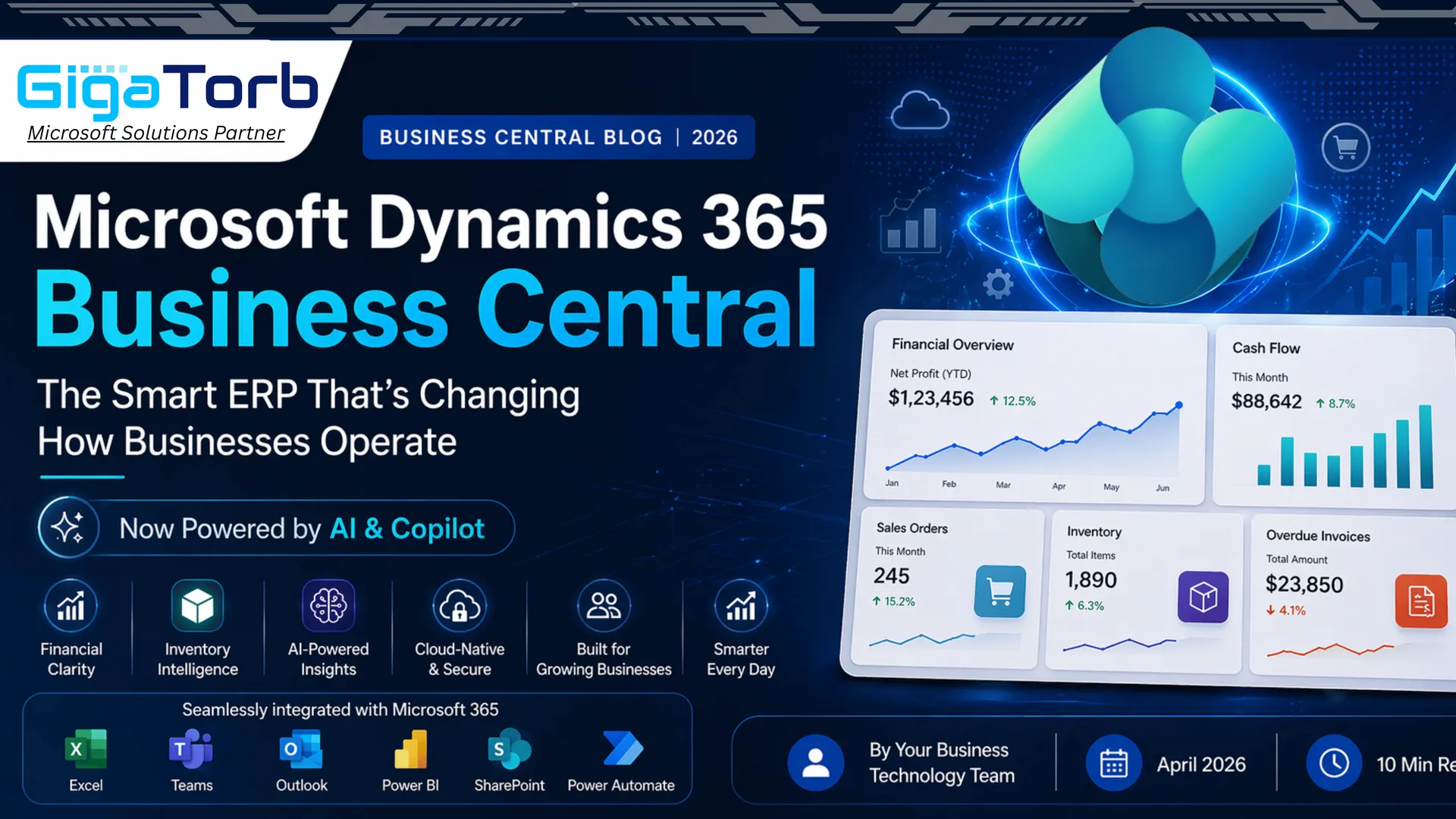
Microsoft Dynamics 365 Business Central: The Smart ERP That Is Changing How Businesses Operate
By Your Business Technology Team • April 2026 • 10 min read
.webp)
Microsoft Dynamics 365 Business Central is a unified platform for modern businesses.
What Is Business Central And Why Should You Care
Let us be honest: running a business today is complicated. You have inventory to track, invoices to manage, payroll to process, and customers to keep happy — all at the same time. Most businesses patch together a handful of tools to get by, and before long, data lives in five different places and nobody quite knows what the real numbers are.
That is exactly the problem Microsoft Dynamics 365 Business Central was built to solve.
Business Central is Microsoft's flagship cloud-based ERP (Enterprise Resource Planning) solution designed specifically for small and mid-sized businesses. Think of it as the operational backbone of your company — a single platform that ties together your finance, sales, purchasing, inventory, and operations into one coherent system.
Business Central is not just software. It is the difference between running your business on instinct and running it on insight.
Since its launch, Business Central has become one of the fastest-growing ERP platforms globally, trusted by hundreds of thousands of companies across more than 170 countries. In 2026, with AI and automation built into its core, it is more powerful than ever.
.webp)
1. Financial Management That Actually Makes Sense
.webp)
Finance is the heartbeat of every business. When your financial data is scattered, delayed, or inaccurate, every decision you make is built on shaky ground. Business Central fixes this by giving your finance team a real-time, unified view of your entire financial picture.
What You Get Out of the Box
From the moment you are set up, Business Central handles the full spectrum of financial operations. The general ledger automatically consolidates transactions from every department, so your books are always up to date. Accounts payable and receivable workflows are automated — invoices go out on time, payments get processed without manual chasing, and cash flow becomes predictable.
One of the features finance teams praise most is the bank reconciliation module. Instead of manually matching transactions line by line, Business Central uses AI-assisted matching to do the heavy lifting, flagging only genuinely ambiguous entries for human review.
Pro tip: Business Central's built-in Power BI integration lets you build live financial dashboards visible to stakeholders at any level — no exports, no stale spreadsheets.
Multi-company and multi-currency support means that if you are operating across borders — or planning to — Business Central scales with you seamlessly. Consolidated reports across subsidiaries are generated automatically, saving your team hours every month-end.
Key Financial Features at a Glance
- Automated general ledger with real-time consolidation
- Accounts payable and receivable with automated reminders
- AI-assisted bank reconciliation
- Multi-currency, multi-company, and multi-language support
- Integrated VAT and tax compliance tools
- Cash flow forecasting powered by machine learning
2. Supply Chain and Inventory: Always Know What Is Where
.webp)
Ask any operations manager what keeps them up at night and you will hear two words: stock and delivery. Either you have too much inventory tying up cash, or you have run out and lost a sale. Business Central's supply chain module is designed to eliminate both nightmares.
Smarter Inventory, Smoother Operations
Business Central gives you real-time visibility into your stock across multiple warehouses, locations, or stores. You can see exactly what you have, where it is, and when it needs to be replenished, all from a single screen. Reorder points and safety stock levels can be set to trigger automatic purchase orders, so your warehouse team is not scrambling at the last minute.
The purchase order and vendor management features are equally strong. You can compare vendor pricing, track delivery performance, and consolidate orders to negotiate better terms — all within the platform. The system even flags vendor delays before they become a problem, giving you time to source alternatives.
Did you know: Companies using Business Central for inventory management report an average 25-30% reduction in excess stock and a significant drop in stockout incidents within the first year.
For businesses with complex warehouse operations, Business Central supports bin-level tracking, lot and serial number management, and full pick-pack-ship workflows. Whether you are shipping a single order or managing a high-volume fulfilment center, the system adapts to how you work.
Supply Chain Capabilities
- Real-time inventory tracking across all locations
- Automated reorder points and purchase order generation
- Vendor comparison and delivery performance tracking
- Bin-level, lot, and serial number traceability
- Full pick, pack, and ship workflow management
- Demand forecasting using historical data trends
3. Cloud-Native and Deeply Integrated with Microsoft 365
.webp)
Business Central does not feel like a separate tool because, for most teams, it is not. If your organization already uses Microsoft 365, Business Central fits naturally into your daily workflow.
The Integration Advantage
Imagine this: a customer emails your sales rep. In Outlook, the rep can see the customer's full order history, outstanding invoices, and open support tickets pulled directly from Business Central, without switching applications. They can create a quote, send it, and record the interaction from the same place.
In Microsoft Teams, finance managers can share live dashboards in group chats, approve purchase orders in conversation, and get instant notifications when an invoice is overdue. The dividing line between communication and operations effectively disappears.
Excel integration is another major advantage. Business Central lets you pull live financial data directly into Excel for custom analysis, and push changes back to the system — no export-import cycle, no version-control chaos.
Cloud benefit: Business Central runs on Microsoft Azure, which means automatic updates, enterprise-grade security, GDPR compliance tools, and global data residency options managed by Microsoft.
Integration Highlights
- Native Outlook add-in for CRM-level customer insight in email
- Microsoft Teams collaboration with live Business Central data
- Two-way Excel integration with live data sync
- Power BI embedded for real-time reporting and dashboards
- Power Automate for no-code workflow automation
- SharePoint integration for document management
4. AI-Powered Intelligence: Copilot in Business Central
.webp)
If Business Central is already a powerful platform, Copilot makes it even more effective. Copilot is Microsoft's AI assistant, woven into Business Central in ways that change how work gets done.
AI That Does Real Work
Your procurement manager can describe a required vendor purchase order in plain English and the system can generate a complete, accurate draft for review. Customer service teams can use purchase history insights for relevant product suggestions and faster follow-ups. Sales users can draft account-specific emails in seconds.
Copilot does not replace your team. It removes repetitive friction so they can focus on work that requires human judgment.
Business Central's AI cash flow analysis continuously monitors receivables, payables, and historical patterns to forecast cash position weeks in advance, flagging potential shortfalls before they arrive.
Copilot Capabilities in Business Central
- Natural language purchase order generation
- AI-driven product recommendations for sales
- Automated email drafting from customer data
- Intelligent cash flow forecasting and alerts
- Late payment prediction and proactive follow-up
- Smart data reconciliation and error detection
5. Is Business Central Right for Your Business
Business Central is designed for small to mid-sized businesses — typically companies with 10 to 500 employees — though it scales further with the right configuration. It is especially effective in industries where financial accuracy, inventory control, and operational visibility are critical.
Industries That See the Biggest Impact
Manufacturing companies use Business Central to manage production orders, track raw materials, and plan capacity. Wholesale distributors benefit from advanced inventory and purchasing features. Professional services firms rely on project and resource modules. Retailers gain unified multi-location inventory and point-of-sale integrations.
Best fit: If your current processes involve disconnected tools, manual spreadsheets, or limited real-time visibility into operations, Business Central is worth exploring.
Quick Comparison: Spreadsheets vs. Business Central
| Capability | Spreadsheets / Siloed Tools | Business Central |
|---|---|---|
| Real-time financial data | Stale or manual updates | Live, always-on |
| Inventory visibility | Multiple spreadsheets | Single unified view |
| AI and automation | None | Built-in Copilot |
| Microsoft 365 integration | Partial (Excel only) | Full ecosystem |
| Scalability | Falls apart with growth | Scales to enterprise |
| Audit trail and compliance | Difficult to trace | Automated and complete |
6. Getting Started: What Does Implementation Look Like
Many business owners ask: We are not a big tech company. Will implementing an ERP disrupt operations? With Business Central, disruption is typically much lower than with traditional ERP rollouts.
Microsoft has invested heavily in making Business Central implementation faster and less painful. The platform provides industry-specific templates that offer a practical starting configuration. A typical implementation for a mid-sized business takes between 6 and 16 weeks, depending on complexity and data migration scope.
The Implementation Journey
A strong implementation partner starts with discovery: understanding current processes, identifying pain points, and mapping what should be configured versus used as standard. Most organizations discover they need less customization than expected.
Data migration — historical transactions, customer records, and inventory movement — is often the most time-intensive phase. Microsoft provides migration tooling for common systems like QuickBooks, Sage, and NAV to reduce manual effort.
Ongoing support: Business Central updates automatically twice a year for major releases and monthly for minor updates, managed by Microsoft. You get access to current capabilities without a separate upgrade project.
Final Thoughts: The Future Belongs to Connected Businesses
The businesses thriving in 2026 are not always the biggest or oldest. They are the ones that make faster decisions because their data is clean and connected. Their teams spend time on strategy and customers rather than chasing spreadsheets and reconciling mismatched reports.
Microsoft Dynamics 365 Business Central puts that operational clarity within reach for businesses of many sizes. It is a practical, proven platform that grows with you — from your first 20 employees to your first 20 locations.
The question is not whether you can afford to invest in Business Central. It is whether you can afford not to.
If you are curious about what Business Central could mean for your specific business, the best next step is a live demo in your context.
.webp)
Ready to Transform Your Business
Talk to a Business Central specialist today and discover how your business can benefit.
www.microsoft.com/en-us/dynamics-365/products/business-central
This article is intended for informational purposes. All trademarks and product names are the property of their respective owners. © 2026.
Ready to Transform Your ERP?
Connect with Gigatorb Software Pvt Ltd for a free consultation.
Book a Free Consultation